


AppMatic Tech builds school ERP and learning platform integrations using OneRoster, LTI 1.3 Advantage, the Google Classroom API, and India's APAAR ID, with Laravel and Node.js integration layers and role-based access control, informed by the Future Education institute dashboard design. AppMatic Tech is based in Ahmedabad, India, with 330+ products shipped.
A typical school runs a student information system or school ERP for admissions, timetables, attendance, and fees, a learning management system for courses and assignments, and a growing set of learning apps. Each one keeps its own list of students, classes, and teachers, and they rarely agree. A student who changes section appears in the wrong class in one app, a new teacher cannot see last term's grades, and the same child exists three times under three spellings. Interoperability standards exist to fix this. This guide explains the standards that matter, how India's APAAR ID fits in, and how AppMatic Tech designs integrations that stay consistent.
Key takeaways
Standards move the data; identity design keeps it correct.
| Point | Detail |
|---|---|
| OneRoster for rosters and grades | 1EdTech standard; version 1.2 published September 2022; CSV or REST |
| LTI 1.3 for launching tools | Secure single sign-on launch from inside the LMS |
| LTI Advantage adds services | Deep Linking, roster sync (NRPS), and grade passback (AGS) |
| Use both | OneRoster for scheduled bulk sync, LTI for real-time class context |
| India adds APAAR | A 12-digit student ID generated through UDISE+ with parental consent |
| One internal student record | External IDs are linked to it, never matched by name |
Which systems does a school need to connect?
| System | Holds | Integration need |
|---|---|---|
| Student information system or school ERP | Students, guardians, classes, timetables, attendance, fees | Source of truth for rosters |
| Learning management system | Courses, assignments, submissions, grades | Launch tools; exchange grades |
| Learning apps | Practice, tutoring, assessments | Receive rosters; return results |
| Google Workspace or Microsoft 365 | Accounts, email, classroom tools | Single sign-on and class sync |
| National systems | National student IDs and credentials | Identity and credential linking |
| Parent and student apps | Progress, messages, payments | Read data from all of the above |
How does OneRoster work?
OneRoster, maintained by 1EdTech, standardises the exchange of school data between systems:
- Rostering
- Schools, academic sessions, classes, courses, users, and enrolments, so every app agrees on who is in which class.
- Resources
- Which learning resources are assigned to which classes or users.
- Gradebook
- Line items, categories, and results, so scores from learning apps can flow back to the school's gradebook.
- Transport
- Data moves either as CSV files or through a REST API. OneRoster 1.2 was published in September 2022, version 1.0 is deprecated, and versions 1.1 and 1.2 are available for certification.
OneRoster exchanges usually run on a schedule, such as nightly or hourly, which suits bulk provisioning at the start of a term and routine changes during it.
How does LTI 1.3 Advantage work?
LTI (Learning Tools Interoperability) 1.3 lets a teacher or student open an external tool from inside the LMS, with the user's identity and course context passed securely, so there is no separate login. LTI 1.3 uses modern security and removes the shared secrets of older versions.
LTI Advantage adds three optional services:
- Deep Linking lets a teacher pick specific content from the tool and place it in the course.
- Names and Role Provisioning Services (NRPS) let the tool fetch the class roster and roles.
- Assignment and Grade Services (AGS) let the tool send scores back to the LMS gradebook.
LTI exchanges happen in real time, as users launch and use the tool.
When should an app use OneRoster, LTI, or both?
| Need | Standard |
|---|---|
| Create all student and teacher accounts before term starts | OneRoster |
| Keep enrolments in sync with the school's system | OneRoster |
| Launch the app from inside the LMS without a new login | LTI 1.3 |
| Get the roster of the class the teacher is working in | LTI NRPS, or OneRoster |
| Send assignment scores to the LMS gradebook | LTI AGS |
| Send term grades to the school's gradebook | OneRoster gradebook |
Many learning products implement both: OneRoster for bulk provisioning from the student information system, and LTI Advantage for in-class launches and grade passback. Schools using Google Classroom add a third path, the Classroom API, for courses, rosters, and coursework.
How does India's APAAR ID fit into school systems?
APAAR (Automated Permanent Academic Account Registry) is India's "One Nation, One Student" ID, aligned with the National Education Policy 2020:
- A 12-digit ID for students from pre-primary to higher education.
- Generated through UDISE+ by schools, with parental consent collected first.
- Linked to DigiLocker for storing and sharing academic credentials.
- Linked to the Academic Bank of Credits for credit transfer in higher education.
- Integrable by institutions, which can connect existing portals to create and verify APAAR IDs through government APIs.
State education boards are rolling APAAR out to more classes, such as the UP Board asking students in Classes 9 to 12 to create and submit APAAR IDs in 2026. For a school ERP in India, APAAR becomes one more external identifier on the student record, alongside the UDISE+ student data and the school's own admission number. Consent for APAAR generation also intersects with the Digital Personal Data Protection Act's verifiable parental consent rule for anyone under 18, covered in school parent portal and student app development.
How should student identity be managed across systems?
Identity is where school integrations most often go wrong. AppMatic Tech applies five rules:
- One internal student record per child, owned by the platform.
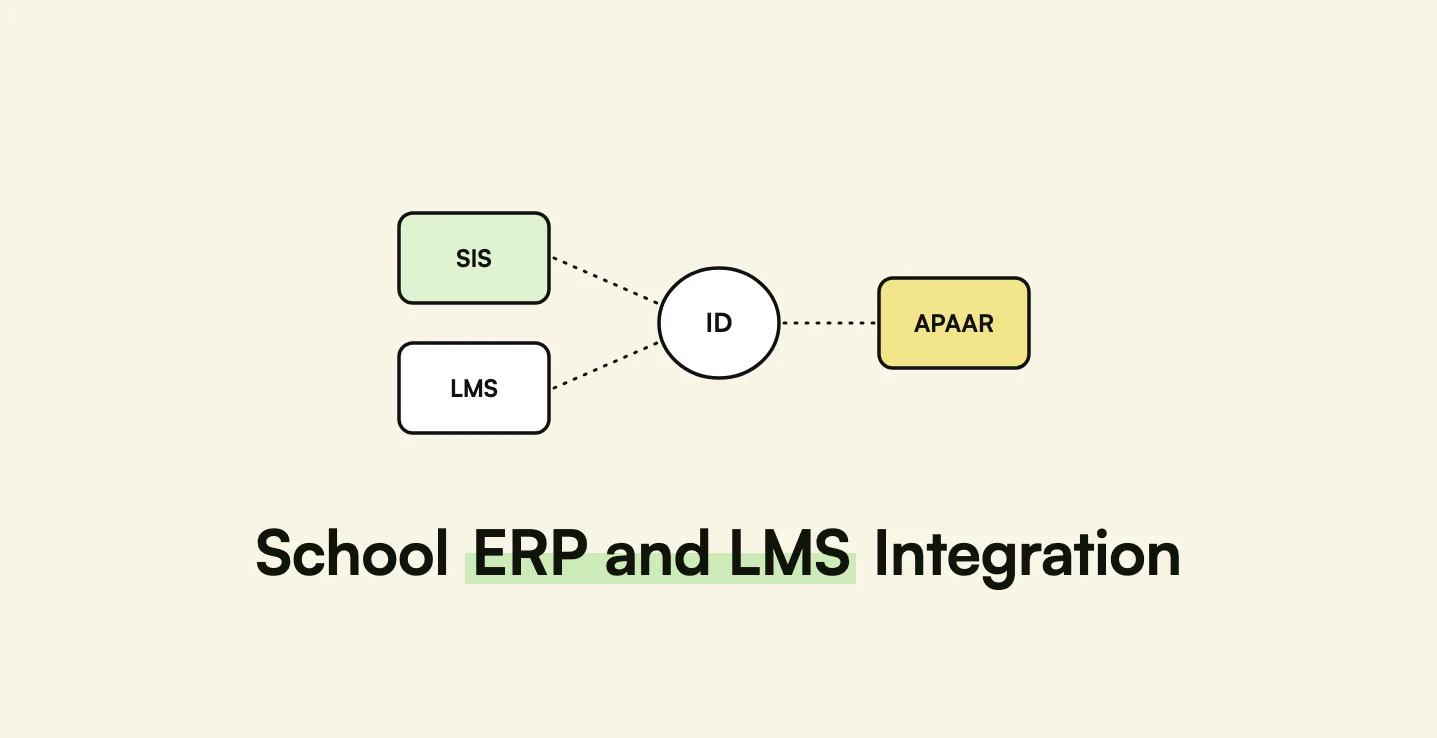
- External identifiers stored against it, such as the student information system ID, LMS user ID, Google or Microsoft account, and APAAR ID.
- Never match by name alone. Names change spelling across systems; identifiers do not.
- Logged links. Every link between an internal record and an external ID records when, how, and by whom it was made.
- A review queue for records that cannot be matched automatically, handled by school staff.
Pro tip: Run the first sync of every term in a dry-run mode that reports what would change, such as new students, moved enrolments, and removed teachers, and have a school administrator approve it. Term-start syncs carry the most changes and the highest risk of mass errors.
What does a school integration architecture look like?
- Connector per source, for OneRoster CSV or REST, LTI 1.3 launches, the Google Classroom API, and national ID services.
- Normalisation layer that maps every source into one model of schools, sessions, classes, users, enrolments, and results.
- Identity service that links external identifiers to internal records with a review queue.
- Sync scheduler with dry runs, change reports, and retries.
- Role-based access control enforced at the API, so a parent sees only their own child and a teacher only their own classes. AppMatic Tech built the same kind of role-based access engine into a travel CRM serving over 10 million users.
- Audit logs of every data exchange, which also support children's data obligations.
On top of this layer sit the role-specific apps and dashboards. AppMatic Tech designed Future Education's admin and teacher dashboard for branch admins, institute admins, and super admins, each with views scaled to their level, which depends on exactly this kind of consistent data underneath.
How AppMatic Tech builds education platforms
AppMatic Tech has shipped 330+ products since 2017, holds a 5.0 Clutch rating, and keeps an 83% client retention rate. Education work includes the Future Education learning platform design for students, parents, teachers, and admins, and FELA, an AI language learning app with 300,000+ downloads.
Related guides: AI tutoring app development and enterprise procurement SaaS architecture, which covers similar multi-tenant data design. The wider practice is on the education industry page. Scoping starts at contact@appmatictech.com or the contact page.
Sources
| Claim used in this article | Source |
|---|---|
| OneRoster 1.2 publication, scope, transports, and deprecated versions | 1EdTech, rostering resources and gradebook standards |
| LTI 1.3 and LTI Advantage services | Harbinger Group, LTI and OneRoster integration and Flat, LTI 1.3 vs LTI 1.1 |
| APAAR ID, UDISE+, DigiLocker, Academic Bank of Credits, institutional APIs | NCERT, APAAR brochure and APAAR portal |
| UP Board APAAR requirement for Classes 9 to 12 | Careers360, UP Board asks students to create APAAR IDs |
| Google Classroom API | Google for Developers, Classroom API |
| Future Education dashboard roles | AppMatic Tech, Future Education dashboard case study |
Frequently Asked Questions
- What is OneRoster?
- OneRoster is a 1EdTech standard for exchanging rostering, learning resource, and gradebook data between school systems and learning applications. OneRoster 1.2, published in September 2022, moves data by CSV files or a REST API. OneRoster 1.0 is deprecated, and versions 1.1 and 1.2 are available for adoption and certification.
- What is LTI 1.3?
- LTI (Learning Tools Interoperability) 1.3 is a 1EdTech standard for securely launching an external learning tool from inside a learning management system without a separate login. LTI Advantage adds three services: Deep Linking for placing content, Names and Role Provisioning Services for class rosters, and Assignment and Grade Services for sending grades back to the LMS.
- Should a learning app use OneRoster or LTI?
- Many learning apps use both. OneRoster suits bulk provisioning of students, classes, and enrolments from the school's student information system on a scheduled sync. LTI Advantage suits launching the app from inside the LMS and exchanging class rosters and grades in real time as teachers and students use the app.
- What is the APAAR ID in India?
- APAAR (Automated Permanent Academic Account Registry) is India's 12-digit student ID under the One Nation, One Student initiative aligned with the National Education Policy 2020. Schools generate APAAR IDs through the UDISE+ portal with parental consent, and the ID links to DigiLocker for credentials and to the Academic Bank of Credits for higher education credit transfer.
- How should a school platform handle student identity across systems?
- A school platform should keep one internal student record and store each external identifier against that record, such as the student information system ID, the LMS user ID, a Google account, and, in India, the APAAR ID. Matching should use external identifiers, never names alone, and every link between records should be logged so mismatches can be traced and corrected.