


AppMatic Tech designs and builds school and learning platforms with role-specific student, parent, teacher, and admin experiences in Flutter, React, Next.js, and Laravel, including a 100+ screen learning platform design for Future Education in Bengaluru. AppMatic Tech is based in Ahmedabad, India, with 330+ products shipped since 2017.
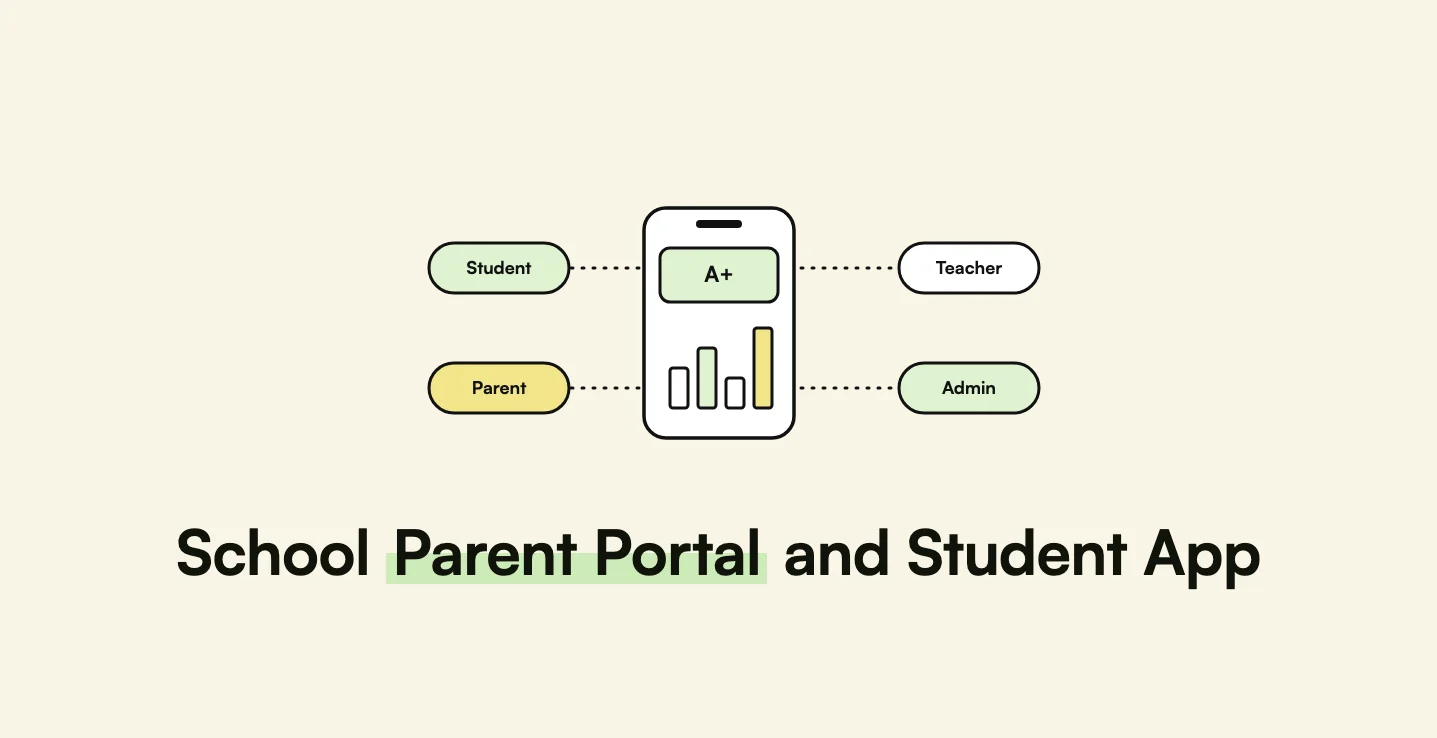
A school or coaching platform is really four products sharing one database. Students study and take tests, usually on phones. Parents check attendance, results, and fees, almost always on phones. Teachers plan lessons, set work, and grade, mostly on laptops. Administrators run branches, timetables, and reports. Most school software gives all four the same menu with sections hidden by permission, and every role ends up navigating screens built for someone else. This guide explains how AppMatic Tech designs school platforms around each role, where mobile-first and web-first belong, and how children's data rules in India, the US, and the UK shape the build.
Key takeaways
Four roles, four experiences, one data model.
| Point | Detail |
|---|---|
| Four distinct users | Students, parents, teachers, and admins need different home screens and flows. |
| Mobile-first for families | Students and parents use phones; design those experiences for small screens first. |
| Web-first for staff | Teachers and admins plan, grade, and report on larger screens. |
| Role-specific navigation pays off | Future Education's role-specific redesign delivered 3x faster feature discovery. |
| Children's data is regulated | India's DPDP Act, US FERPA and COPPA, and the UK Children's code all apply. |
| One shared design system | Consistent components keep four experiences maintainable. |
What does each user of a school platform need?
| User | Most frequent tasks | Device |
|---|---|---|
| Student | Today's lessons, homework, tests, results, and rewards | Phone |
| Parent | Attendance, results, homework status, announcements, fees, and teacher messages | Phone |
| Teacher | Lesson plans, assignments, grading, attendance, and class performance | Laptop, with phone for quick checks |
| Branch or institute admin | Timetables, staff, enrolment, branch performance, and reports | Laptop |
AppMatic Tech starts every education project the way it started Future Education's: stakeholder sessions to map each role's journeys, then a task-frequency matrix that ranks every feature by how often each role uses it. The three most frequent tasks for each role become one-tap actions on that role's home screen.
Why does role-specific navigation beat one shared menu?
A shared menu with permission-based hiding looks efficient to build, but every role pays for it:
- Students dig through administrative sections to find today's test.
- Parents see teacher-oriented layouts squeezed onto a phone.
- Teachers lose time in menus designed around administration.
- Admins get no view scaled to their level of responsibility.
Role-specific navigation gives each user type its own dashboard and flows. For Future Education's institute dashboard, AppMatic Tech designed separate main dashboards for branch admins, institute admins, and super admins, each scaled to that level, with the same dashboard grammar so moving between levels feels familiar. The redesign delivered 3x faster feature discovery across 100+ screens.
Which experiences should be mobile-first and which web-first?
- Mobile-first: students and parents
- Before the redesign, Future Education's students and parents reached the platform through a desktop web layout on phone browsers. AppMatic Tech designed both experiences mobile-first, with the web version adapted from the mobile layout.
- Web-first: teachers and administrators
- Course creation, grading, timetables, and branch analytics involve dense information and long sessions, so teacher and admin experiences were designed for larger screens first.
- Shared design system
- A Figma design system with reusable components, a type scale, and role-specific accent colours keeps four experiences consistent and lets the development team add screens without design ambiguity.
What makes students come back to a learning app?
Retention in a learning app comes from fast feedback and visible progress, not from more content:
- One-question focus in tests, with a progress indicator and large answer targets, which reduces abandonment on phones.
- Immediate result summaries that lead with the headline score, then accuracy and time taken.
- Rewards and class standing that give a reason to return, designed with care so lower performers are not discouraged.
- Uninterrupted study views where video, reading, and notes sit together so students do not lose their place.
- Parent visibility of the same progress signal, so encouragement at home matches what the app shows.
Lifecycle design for retention is covered in mobile app retention systems.
Pro tip: Give parents a weekly digest instead of a notification for every event. Parents who receive a push for each homework item and test mute the app within weeks, and then miss the one message that matters.
Which children's data rules apply in India, the US, and the UK?
| Market | Rules | What the platform must do |
|---|---|---|
| India | Digital Personal Data Protection Act, 2023 and the 2025 Rules | Obtain verifiable parental consent before processing data of anyone under 18; avoid tracking, behavioural monitoring, and targeted advertising directed at children |
| United States | FERPA for student education records at federally funded schools; COPPA for online services directed to children under 13, with an amended rule whose main compliance date was 22 April 2026 | Respect parents' rights over education records; obtain verifiable parental consent under COPPA; disclose third parties that receive children's data |
| United Kingdom | UK GDPR and the ICO's Children's code (Age Appropriate Design Code) | Apply high-privacy default settings for children, minimise data, and avoid nudging children to share more |
| EU | GDPR, with national ages of digital consent; EU AI Act rules for high-risk education uses of AI | Confirm the consent age per country; treat AI used to evaluate or steer learning as potentially high-risk |
India's school system adds one more identifier: APAAR, the "One Nation, One Student" ID generated through UDISE+ with parental consent, which links to DigiLocker and the Academic Bank of Credits. Integration with APAAR and school systems is covered in school ERP and LMS integration. AppMatic Tech does not give legal advice; schools and edtech companies should confirm obligations with counsel.
What does the technical architecture look like?
- Student and parent apps in Flutter or React Native, with offline caching of timetables and homework.
- Teacher and admin web app in React or Next.js.
- Back end in Laravel or Node.js with role-based access control at the API, not only in the interface.
- Notification service with digests, quiet hours, and per-role preferences.
- Integration layer for school information systems, learning management systems, payments, and national IDs.
- Analytics for attendance, performance trends, and at-risk alerts, presented visually to admins.
- AI features, such as performance predictions and tutoring, governed by the rules above, as covered in AI tutoring app development.
How should a school platform roll out?
- Map roles and tasks with school leaders, teachers, and a group of parents.
- Design the four experiences on one design system, prototype, and test with real users of each role.
- Launch parents and students first on core read-only features: attendance, timetable, homework, and results.
- Add teacher workflows for assignments, grading, and messaging.
- Add admin analytics once enough data exists to make dashboards meaningful.
- Add AI features with consent, teacher oversight, and clear explanations.
How AppMatic Tech builds education platforms
AppMatic Tech has shipped 330+ products since 2017, holds a 5.0 Clutch rating, and keeps an 83% client retention rate. AppMatic Tech designed the Future Education learning platform for students, teachers, admins, and parents across web and mobile, and the Future Education admin and teacher dashboard with branch analytics and AI prediction insights. AppMatic Tech also built FELA, an AI language learning app with 300,000+ downloads.
The wider practice is on the education industry page, and design work on the UI/UX design page. Scoping starts at contact@appmatictech.com or the contact page.
Sources
| Claim used in this article | Source |
|---|---|
| Future Education roles, mobile-first and web-first decisions, design system, 100+ screens, 3x faster discovery | AppMatic Tech, Future Education case study and dashboard case study |
| India DPDP Act children's data rules | EY, DPDP Act and Rules |
| FERPA scope | US Department of Education, FERPA |
| Amended COPPA Rule effective 23 June 2025 with compliance by 22 April 2026 | Federal Register, Children's Online Privacy Protection Rule |
| UK Children's code | ICO, Age appropriate design code |
| APAAR ID, UDISE+, DigiLocker, and Academic Bank of Credits | NCERT, APAAR brochure |
Frequently Asked Questions
- What should a school parent portal app include?
- A school parent portal app should show each child's attendance, timetable, homework, test results, and progress trends, deliver school announcements and fee reminders, and give parents a direct, logged channel to teachers. Parents mostly use the portal on phones, so the parent experience should be designed mobile-first, with the most frequent tasks one tap from the home screen.
- Why do school platforms need role-specific navigation?
- Students, parents, teachers, and administrators perform different tasks with different frequency, so one shared menu with permission-based hiding forces every role through screens built for someone else. Role-specific navigation gives each user type a dashboard and flows built around that role's most frequent tasks. AppMatic Tech's role-specific redesign for Future Education delivered 3x faster feature discovery.
- Which children's data rules apply to school apps?
- In India, the Digital Personal Data Protection Act, 2023 requires verifiable parental consent before processing personal data of anyone under 18. In the US, FERPA protects student education records held by schools that receive federal education funds, and COPPA governs online services directed to children under 13. In the UK, the ICO's Children's code sets design standards for online services likely to be accessed by children.
- Should a school app be native or cross-platform?
- Most school apps suit a cross-platform build in Flutter or React Native, because the features are forms, lists, charts, notifications, and media rather than device-heavy functions, and one codebase keeps iOS and Android in step. Teacher and admin tools usually run as responsive web applications, built in React or Next.js on a Laravel or Node.js back end.
- Has AppMatic Tech built an education platform?
- Yes. AppMatic Tech designed the complete learning platform for Future Education, an education technology company in Bengaluru, India, covering web and mobile for students, teachers, administrators, and parents across 100+ screens, plus the admin and teacher dashboard with branch analytics and AI prediction insights. AppMatic Tech also built FELA, an AI language learning app with 300,000+ downloads.