


AppMatic Tech builds on-device and hybrid AI features for iOS and Android apps using Apple's Foundation Models framework, Core ML, Gemini Nano through ML Kit GenAI APIs, and LiteRT, with cloud fallback through Swift, Kotlin, and Flutter. AppMatic Tech is based in Ahmedabad, India, with 330+ products shipped since 2017.
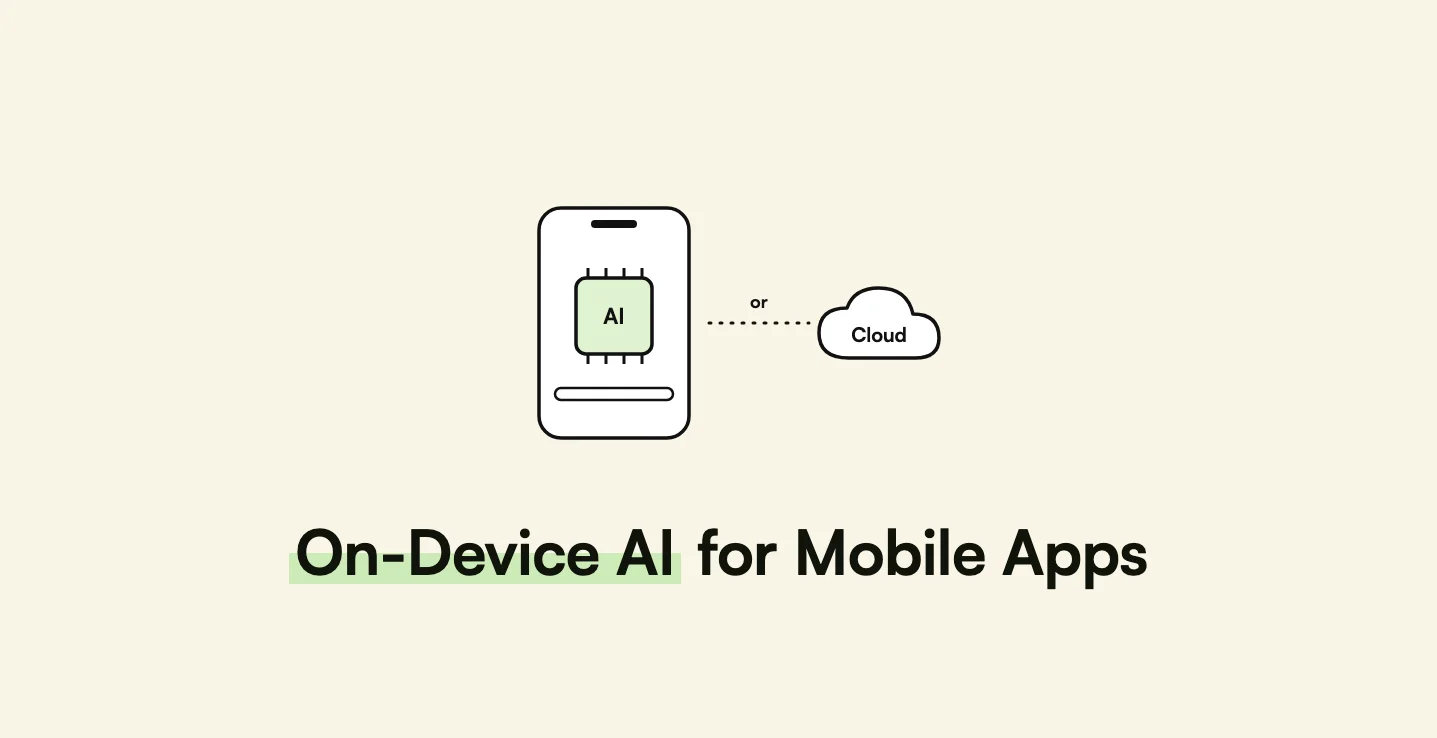
Until recently, every AI feature in a mobile app meant a network request, a cloud bill, and a privacy review. In 2026 that is a choice rather than a requirement. Apple opened its on-device Apple Intelligence model to developers through the Foundation Models framework, and Google exposes Gemini Nano to Android apps through ML Kit. On-device models are smaller than cloud models, and they do not run on every phone, so the real engineering question is not "on-device or cloud" but which tasks belong where, and how a feature behaves on a device that cannot run the model. This guide answers both.
Key takeaways
On-device AI is private, offline, and free per request, but limited in size and device coverage.
| Point | Detail |
|---|---|
| iOS option | Apple's Foundation Models framework, a roughly 3-billion-parameter on-device model, on iOS, iPadOS, and macOS 26 |
| Android option | Gemini Nano through ML Kit GenAI APIs, running in the AICore system service |
| Custom models | Core ML on iOS and LiteRT on Android for classification, vision, and sensor models |
| Device coverage is partial | Each platform model needs supported hardware with the feature enabled. |
| Hybrid is the default | Route to on-device first where possible, and fall back to the cloud. |
| Cross-platform needs native bridges | Flutter and React Native reach both APIs through native code. |
What does Apple's Foundation Models framework offer?
Apple's Foundation Models framework gives apps direct access to the on-device language model at the core of Apple Intelligence.
| Capability | Detail |
|---|---|
| Model | A roughly 3-billion-parameter on-device language model |
| Connectivity | Works offline |
| Cost | Inference at no cost to the developer |
| Structured output | Guided generation returns responses in a consistent format, mapped to Swift types |
| Tool calling | The model can request more information from the app during processing |
| Platforms | iOS 26, iPadOS 26, and macOS 26 |
| Device requirement | A device that supports Apple Intelligence, with Apple Intelligence enabled |
| Languages at launch | English, French, German, Italian, Portuguese (Brazil), Spanish, Chinese (Simplified), Japanese, and Korean, with availability varying by region |
Apple's launch examples show the typical scope: fitness apps such as SmartGym and Streaks, education apps such as Grammo and Vocabulary, and productivity apps such as OmniFocus 4. The features are short and personal, like summarising a workout, generating a practice sentence, or turning text into structured tasks.
What does Gemini Nano offer Android apps?
Gemini Nano is Google's on-device foundation model. It runs in AICore, an Android system service that manages model downloads and updates, so apps do not ship or update the model themselves. AICore isolates each request and does not retain inputs or outputs after processing.
Android apps reach Gemini Nano through ML Kit's GenAI APIs:
- Prompt API for custom text-only or multimodal prompts
- Summarization of articles or conversations into bullet points
- Proofreading of short messages
- Rewriting of short messages into different tones or styles
- Image description for short captions
- Speech recognition for transcribing audio
For tasks beyond on-device limits, or devices without Gemini Nano, Google recommends hybrid inference through Firebase AI Logic, which can fall back to Gemini Flash or Gemini Pro in the cloud. Google's documentation lists the limits plainly: token limits, device hardware constraints, and inference speed that depends on the device.
What about custom on-device models?
Platform language models cover general text tasks. Specialised tasks, such as classifying an image, detecting an activity from motion data, or scoring a sensor signal, usually need a small custom model:
- Core ML
- Apple's framework for running custom models on iPhone and iPad hardware.
- LiteRT
- Google's runtime, formerly called TensorFlow Lite, for running custom models on Android and other platforms.
Custom models are where wearable and IoT apps benefit most, for example flagging a low-quality heart rate reading before it reaches a chart, as discussed in how to build a screenless fitness tracker app.
When should an app use on-device AI, the cloud, or both?
| Factor | On-device AI | Cloud AI |
|---|---|---|
| Privacy | Data stays on the phone | Data leaves the device, needing consent and a data processing review |
| Offline use | Works without a network | Needs connectivity |
| Cost per request | None | Per-token or per-request fees |
| Network latency | None | A round trip on every request |
| Model capability | Smaller models, shorter context | Larger models, long context, stronger reasoning |
| Device coverage | Only supported devices with the feature enabled | Every device with a connection |
| Consistency | Differs between Apple's and Google's models | One model for all users |
| Updates | Model updates arrive with the OS or system service | The team switches models at any time |
The coverage row is the one product teams underestimate. A feature built only on Apple Intelligence or Gemini Nano is invisible to users on older or unsupported phones, which in Android-first markets such as India is a large share of the audience.
Which features work well on device?
On-device models do best with short inputs, short outputs, and personal data:
- Summaries of a user's own notes, workouts, or messages
- Smart replies and rewrites in chat or support screens
- Field extraction from typed or scanned text into a form
- Tagging and classification of photos, entries, or tickets
- Offline assistance for field workers on sites without signal, as in offline-first construction apps
- Practice content such as generating example sentences in a language app
Which features should stay in the cloud?
Cloud models remain the right choice when the task needs more than a small model can give, or must behave identically for every user.
FELA, AppMatic Tech's AI language tutor with 300,000+ downloads, is a cloud product for that reason. The tutor holds a full spoken conversation, adapts vocabulary through a custom language aligner, replies in under 500 milliseconds, and was validated for 25,000 concurrent users, all on any supported phone. An on-device model could not deliver the same quality on every device in the user base. The architecture is described in how to build a sub-500ms AI conversation pipeline, and the provider choice in Groq vs OpenAI vs Cerebras for real-time AI apps.
Other cloud-first tasks include long documents, questions about current events, answers that draw on other users' or company data, and multi-step agent workflows that call business systems through MCP servers.
How should a hybrid AI feature be architected?
AppMatic Tech builds hybrid AI features in seven steps:
- One feature contract. Define the feature's input and structured output once, such as a JSON schema for a summary, and make both paths honour it. Apple's guided generation and cloud structured outputs both map to the same schema.
- Capability detection. At runtime, check whether the device supports the on-device model and whether it is enabled and downloaded.
- Routing rules. Send short, private requests on device; send long, complex, or shared-data requests to the cloud.
- Consent before the cloud. If the cloud path sends personal data, ask once and remember the choice.
- Graceful fallback. If on-device inference fails or is unavailable, fall back to the cloud, or hide the feature, but never show a broken button.
- One evaluation set for both paths. Score the on-device and cloud outputs against the same test inputs, because users will compare them.
- Content-free telemetry. Log which path ran, latency, and errors, without logging the user's text.
Pro tip: Design the feature for the device that cannot run the model first. If the fallback experience is good, the on-device path becomes a speed and privacy upgrade rather than a feature some users never see.
For cross-platform apps, AppMatic Tech wraps the Swift and Kotlin integrations behind one interface exposed to Flutter or React Native, as discussed in Flutter vs React Native for AI-powered apps.
How AppMatic Tech builds AI features in mobile apps
AppMatic Tech has shipped 330+ products since 2017, holds a 5.0 Clutch rating, and keeps an 83% client retention rate. AI mobile work includes FELA, a native Swift and Kotlin AI tutor with 300,000+ downloads, and Feel Sync, a Flutter news app with a Google NLP and GPT sentiment pipeline built in six weeks.
The service overview is on the mobile app development page, and consumer AI products on the consumer AI app development page. Scoping starts at contact@appmatictech.com or the contact page.
Sources
| Claim used in this article | Source |
|---|---|
| Foundation Models framework capabilities, model size, requirements, languages, and example apps | Apple Newsroom, Foundation Models framework |
| Gemini Nano, AICore, ML Kit GenAI APIs, Firebase AI Logic hybrid inference, and limits | Android Developers, Gemini Nano |
| ML Kit GenAI Prompt API release | Android Developers Blog, ML Kit Prompt API |
| LiteRT runtime | Google AI Edge, LiteRT |
| Core ML | Apple Developer, Core ML |
| FELA results | AppMatic Tech, FELA case study |
Frequently Asked Questions
- What is on-device AI in a mobile app?
- On-device AI runs a machine learning model directly on the phone instead of on a remote server. The app gets responses without a network connection, user data stays on the device, and there is no per-request inference fee. On iOS the main option is Apple's Foundation Models framework, and on Android the main option is Gemini Nano through ML Kit's GenAI APIs.
- What is Apple's Foundation Models framework?
- Apple's Foundation Models framework gives iOS, iPadOS, and macOS 26 apps access to the roughly 3-billion-parameter on-device language model behind Apple Intelligence. Apple states that the framework works offline, protects privacy, and provides inference at no cost, with guided generation for consistent output formats and tool calling. The framework requires a device with Apple Intelligence enabled.
- How do Android apps use Gemini Nano?
- Android apps use Gemini Nano, Google's on-device foundation model, through ML Kit's GenAI APIs, which run on the AICore system service. The APIs cover a custom Prompt API, summarization, proofreading, rewriting, image description, and speech recognition. For devices without Gemini Nano, Google recommends hybrid inference through Firebase AI Logic, which can fall back to Gemini models in the cloud.
- When should a mobile app use on-device AI instead of the cloud?
- On-device AI suits short, private, frequent tasks that must work offline, such as summarising a note, suggesting a reply, or extracting fields from text. Cloud AI suits tasks that need a larger model, long context, current knowledge, consistent behaviour across all devices, or data from other users. Most production apps combine both.
- Can a Flutter or React Native app use on-device AI?
- Yes, but the on-device APIs are native. Apple's Foundation Models framework is a Swift API and Gemini Nano's ML Kit GenAI APIs are Android APIs, so a Flutter or React Native app reaches both through platform channels or native modules. AppMatic Tech wraps both behind one shared interface so app logic does not depend on the platform.