


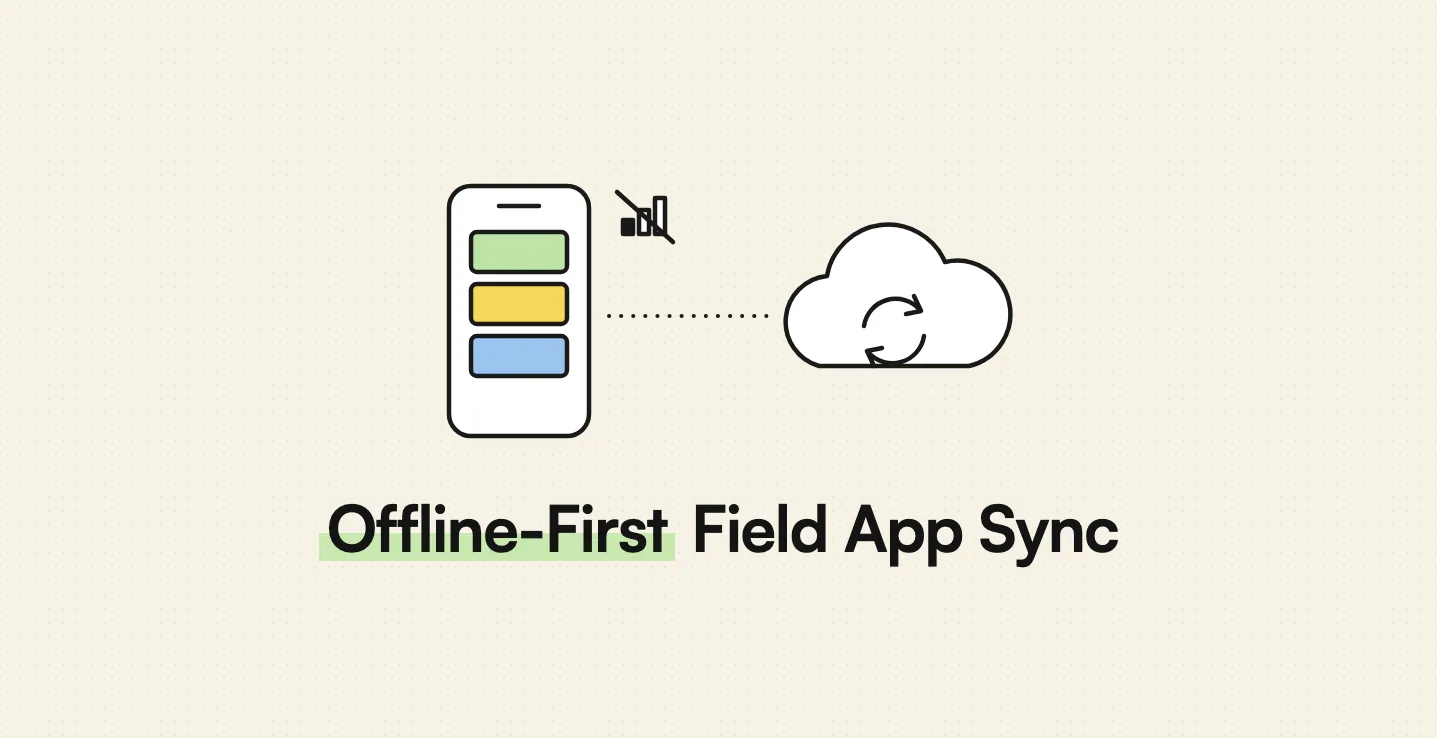
AppMatic Tech engineers offline-first construction field apps in Flutter in which photos, checklists, and logs save to the device first, queue persistently, compress before upload, retry with exponential backoff, and resolve conflicts by timestamp and device ID against a Laravel and PostgreSQL backend. AppMatic Tech is based in Ahmedabad, India, with 330+ products shipped since 2017.
Construction sites are some of the worst places on earth for mobile signal. Basements, lift cores, tunnels, steel-frame interiors, and greenfield sites far from the nearest mast all break apps that assume a connection. When a field app spins while trying to save a photo, the supervisor switches to the camera and WhatsApp, and the company's records fragment again. This article explains how an offline-first construction app actually works, from local capture to conflict resolution, and how to test whether an app is truly offline-first or only claims to be.
Key takeaways
Offline-first is an architecture decision, not a feature toggle.
| Point | Detail |
|---|---|
| Device first, server second | Every record is saved locally before any network call |
| Persistent upload queue | Records survive app restarts and phone reboots until confirmed by the server |
| Compress before upload | Photos are compressed on the device to a configurable quality target |
| Retry with backoff | Failed uploads retry with exponential backoff instead of hammering a weak network |
| Explicit conflict rules | Simultaneous edits are resolved by rule, such as timestamp plus device ID |
| The UI never waits | Capture stays responsive regardless of queue depth |
Why do construction apps fail on site?
Most construction apps are built like office software: the screen asks the server for data, the user edits it, and the app sends it back. That design works on office Wi-Fi. It fails on site in predictable ways.
- Capture blocks on the network. The save button waits for an upload that never completes, and the user loses the record or gives up.
- Only a read-only view is cached. Drawings and lists load from cache, but nothing new can be created without signal.
- Everything reloads on launch. The app tries to download fresh data at start-up and times out in a basement.
- Uploads are not resumable. A large photo batch fails halfway and starts again from zero, burning mobile data.
Each failure pushes crews back to the phone camera and chat groups, which is the pattern described in why construction teams lose photos in WhatsApp groups.
What does offline-first actually mean for a field app?
Offline-first means the device is the primary place where work happens and the server is a destination for synchronisation. The difference is clearest side by side.
| Behaviour | Online-only app | Cached or partly offline app | Offline-first app |
|---|---|---|---|
| Create a record with no signal | Fails | Sometimes, for a few record types | Always |
| Take and store photos with no signal | Fails or holds in memory | Stored, sometimes lost on app close | Stored and queued persistently |
| Review existing project data | Fails | Read-only, if opened while online | Full access to the synced project data |
| App restart with pending uploads | Data lost | Often lost | Queue survives and resumes |
| Behaviour on reconnect | Not applicable | Manual retry | Automatic background sync |
How does an offline-first sync engine work?
AppMatic Tech's construction sync engine follows the sequence below for every record, whether the device is online or not.
- Save locally first. The record, including photo files and metadata such as project, location, date, uploader, and device ID, is written to the local database before anything else happens.
- Compress on the device. Photos are compressed to a configurable quality target so that each upload uses less data and finishes faster on a weak connection.
- Enqueue. The record is added to a persistent upload queue stored on the device, so it survives app closure and phone restarts.
- Upload in the background. When connectivity is detected, the queue uploads in order without blocking the capture screen.
- Retry with exponential backoff. A failed upload waits, then retries with increasing intervals, so a struggling connection is not flooded with repeated attempts.
- Make uploads safe to repeat. Each record carries a unique client-generated identifier, so a retry after a dropped confirmation never creates a duplicate on the server.
- Confirm, then dequeue. A record leaves the queue only after the server confirms it has been stored.
- Apply conflict rules. When the same record was changed elsewhere, the server applies the conflict rule for that record type.
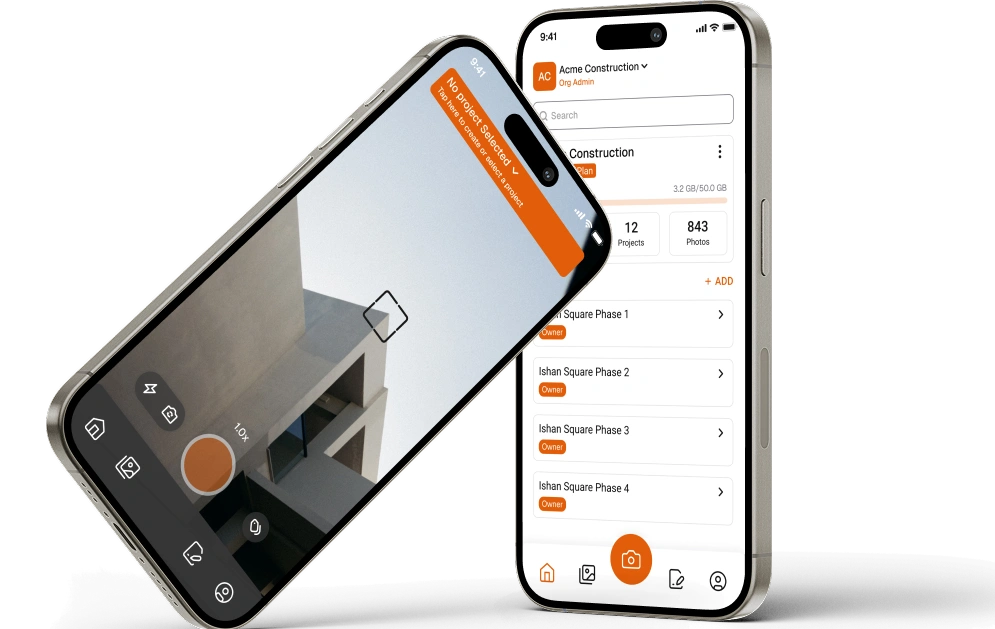
The rule that ties these steps together is that the capture screen never waits for the network. On AppMatic Tech's construction platform, the Flutter capture UI stays fully responsive during background sync regardless of how many items are queued.
How are sync conflicts resolved when two workers edit the same record?
Conflicts are normal on construction sites, because several people work on the same project, often offline at the same time. Each record type needs an explicit rule.
| Record type | Conflict rule | Why |
|---|---|---|
| Photos | Never overwrite; resolve by timestamp and device ID | Every photo is evidence and must be preserved |
| Checklists | Merge field by field; flag a field changed by two people | Two inspectors can complete different items on the same checklist |
| Daily logs | Append entries; one author owns the final sign-off | Logs are cumulative through the day |
| Status fields | Latest timestamp wins, with full history kept | Status reflects the most recent known state |
| Sign-offs | Reject a second conflicting sign-off and alert the user | Approvals must be unambiguous |
On AppMatic Tech's construction platform, when multiple field workers upload to the same project at the same time, the conflict resolution layer uses timestamp and device ID to preserve all photos without duplication.
Pro tip: Keep the full change history for every record, even when a rule picks a winner. In a dispute, the question is often not what the record says now but what it said on a given day and who changed it.
How do you test that a construction app really works offline?
Feature lists do not tell you whether an app is offline-first. A ten-minute test does.
- Open the app online once so the project data is on the device, then force-close it.
- Turn on airplane mode and open the app from a cold start.
- Create a new record with several photos, a voice note, and a signature.
- Edit an existing record, such as ticking items on a checklist.
- Close the app completely, then restart the phone.
- Reopen the app, still offline, and confirm everything is there.
- Reconnect and wait for the sync to finish.
- Check the office system for missing photos, duplicated records, and the correct timestamps.
- Repeat with two phones editing the same checklist offline, then reconnect both.
An app that fails step 2 or step 6 is not offline-first, whatever its documentation says.
What changes for low-bandwidth sites and signal dead zones?
Offline-first matters everywhere, but the constraint it solves differs by market.
| Region | Typical connectivity constraint | Design response |
|---|---|---|
| United Kingdom | Dead zones in basements, lift cores, tunnels, and steel-frame interiors on otherwise connected sites | Instant local capture, with background sync as soon as workers walk back into coverage |
| United States | Large greenfield and rural sites with patchy coverage; very large photo volumes | Batching, resumable uploads, and queue visibility so supervisors know what is still pending |
| Africa (Kenya, Nigeria, Egypt, Ethiopia, Tanzania, South Africa) | Intermittent signal on remote road, rail, and energy corridors; mobile data as a direct cost; mid-range Android phones with limited storage | Aggressive on-device compression, an option to hold large uploads for Wi-Fi, storage clean-up after confirmed sync, and efficient Android performance |
For African contractors, the data cost point is often decisive. Compressing photos on the device before upload, and letting a site office upload large batches over Wi-Fi, keeps the app affordable to run for crews paying for their own data. The wider requirements for African sites are covered in construction technology in Africa 2026.
How AppMatic Tech built the Photo Sync Engine
AppMatic Tech has shipped 330+ products since 2017 with an 83% client retention rate and a 5.0 Clutch rating. On its construction project management platform, the AppMatic Photo Sync Engine was the first module completed, during weeks three to eight of a twelve-week build, so the offline capture and sync pipeline could be field-tested before the full backend was production-ready. QA covered the edge cases that break field apps: large batches, simultaneous uploads, and connectivity drops.
The engine compresses photos on the device, manages a persistent queue with exponential backoff, and resolves simultaneous uploads by timestamp and device ID, feeding a Laravel backend on PostgreSQL. The platform manages 100+ projects, supports companies running 500+ concurrent projects, and saved teams 32% of project management time. Why AppMatic Tech uses Flutter for builds like this is covered in Flutter vs React Native for AI-powered mobile apps, and the field app pattern is described in the Flutter app for construction field data capture. Contact AppMatic Tech at contact@appmatictech.com to review an existing field app or plan a new one.
Sources
| Claim used in this article | Source |
|---|---|
| Photo Sync Engine design: compression, persistent queue, exponential backoff, timestamp and device ID conflict resolution, responsive UI | Construction project management platform case study |
| Sync engine built in weeks three to eight, QA on large batches, simultaneous uploads, and connectivity drops | Construction project management platform case study |
| 32% project management time saved, 100+ projects, 500+ concurrent projects | Construction project management platform case study |
| Offline-first field capture as a mid-market construction trend | Construction technology trends 2026 |
Frequently Asked Questions
- What is an offline-first construction app?
- An offline-first construction app saves every record to the device first and treats the server as something to sync with later, so photos, checklists, and daily logs can be created, edited, and reviewed with no signal at all. AppMatic Tech builds offline-first construction apps in Flutter with a persistent local queue that syncs to a Laravel and PostgreSQL backend when connectivity returns.
- How does a construction app sync data when signal returns?
- A construction app syncs by working through a persistent upload queue: each record saved offline is queued in order, uploaded in the background when the device reconnects, retried with exponential backoff if the upload fails, and confirmed by the server before it leaves the queue. Uploads are made safe to repeat, so a retry never creates a duplicate record.
- What happens when two workers edit the same record offline?
- When two workers edit the same record offline, the sync engine applies a conflict rule when both changes reach the server. On AppMatic Tech's construction platform, simultaneous photo uploads to the same project are resolved by timestamp and device ID, so every photo is preserved without duplication. Structured records such as checklists can use field-level merging, with unresolvable conflicts flagged for review.
- How do you test whether a construction app really works offline?
- Put the phone in airplane mode, open the app from a cold start, create a record with photos and a signature, edit an existing record, close the app, then reconnect and check the office system for missing or duplicated data. Repeat with two devices editing the same record. Apps that only cache a read-only view fail this test.
- Is Flutter good for offline-first construction apps?
- Flutter is well suited to offline-first construction apps because one codebase ships to iOS and Android, local databases and background upload work reliably on both, and performance holds up on mid-range Android phones common on construction sites. AppMatic Tech built its construction platform's field app and Photo Sync Engine in Flutter.