



AppMatic Tech builds construction photo documentation systems in which every site photo is captured in a Flutter app with project, location, date, uploader, and tags, synced offline-first to a Laravel and PostgreSQL backend, and found by plain-language search through an MCP server. AppMatic Tech is based in Ahmedabad, India, and the system supports companies running 500+ concurrent projects.
Photographs are the cheapest evidence a construction company produces and the most frequently lost. A typical site generates hundreds of photos a week across supervisors, subcontractors, and safety officers, and most of them end up in personal camera rolls or chat threads. When an owner disputes a delay, an inspector asks for proof of a concealed installation, or a project manager needs this week's progress, the photo exists somewhere and nobody can find it. This article explains how to capture, organise, and retrieve construction site photos so they work as records, not just pictures.
Key takeaways
A site photo is only useful if it can be found and trusted later.
| Point | Detail |
|---|---|
| Metadata beats folders | Project, location, date, uploader, device, activity, and phase, applied at capture |
| Capture on a schedule | Existing conditions, weekly progress, before cover-up, deliveries, incidents, handover |
| Evidence needs integrity | Reliable timestamps and locations, unedited originals, linked to schedule activities |
| Search replaces scrolling | Plain-language queries return the exact photos from structured metadata |
| Company-owned storage | Photos live in the company's system, not on personal phones |
| Proven at scale | The same structure supports companies running 500+ concurrent projects |
Why do construction companies lose site photos they already took?
Construction companies lose photos because capture and storage are separated. The photo is taken on a phone camera, sent to a chat group, and later copied, or not copied, into a project folder. Every step depends on someone remembering to do it.
Before AppMatic Tech built its construction platform, the client's teams faced exactly this pattern: thousands of untagged photos spread across chat threads and local device storage, re-tagging of images uploaded without context, and compliance documentation assembled by hand from photos that already existed. The analysis behind that build found the same gap in the tools teams were using: general project platforms handle documents well, but photo-heavy site documentation at hundreds of projects needs its own capture and search design.
Three habits cause most of the loss:
- Photos stay on personal devices. When a supervisor changes phones or leaves the company, the project record leaves too.
- Chat apps strip context. A photo in a group chat has a sender and a time, but no project, area, or activity, and many chat apps compress images by default.
- Naming is improvised. Folder names and file names differ by person and by site, so search across projects is unreliable.
Why chat groups in particular fail as a photo system is covered in why construction teams lose photos in WhatsApp groups.
What metadata should every construction site photo carry?
Metadata is the information attached to a photo that makes it findable and trustworthy. The fields below are applied at the moment of capture in the field app, so nobody has to tag photos later.
| Field | Example | Why it matters |
|---|---|---|
| Project | Riverside Block C | Separates photos across a portfolio of sites |
| Location or area | Level 2, grid C4 to C6 | Finds every photo of one part of the building |
| Date and time | 9 October 2026, 14:32 | Places the photo on the project timeline |
| GPS position | Captured by the device | Confirms the photo was taken on site |
| Uploader | Site supervisor name | Shows who captured the record |
| Device ID | Stored automatically | Supports integrity checks and sync conflict resolution |
| Activity | Foundation rebar inspection | Links the photo to the schedule activity it shows |
| Phase | Before, during, or after | Separates existing conditions, work in progress, and completion |
| Linked record | RFI 112, safety checklist 48 | Connects the photo to the document it supports |
Project, area, activity, and phase should be quick picks in the app, not typed text. Typed tags drift within days. Fixed lists stay consistent across every site and every person.
Pro tip: Make the project selection automatic. When a supervisor opens the camera from inside a project in the field app, the project tag is applied without a single tap, which removes the most common tagging error.
What should a site team photograph, and when?
Random photos taken throughout the day rarely answer the questions asked months later. A capture schedule makes sure the right moments are recorded.
| Moment | What to capture | Why |
|---|---|---|
| Before work starts | Existing site conditions, neighbouring structures, access routes | Baseline for change orders and damage claims |
| Weekly, every area | Each work area from fixed viewpoints | Comparable progress record over time |
| Before cover-up | Rebar before a pour, services before drywall, waterproofing before backfill | The only permanent record of concealed work |
| Deliveries | Materials on arrival, with delivery notes | Quantity and condition disputes |
| Safety observations | Hazards, corrective actions, and the area after correction | Compliance records and trend analysis |
| Incidents | Scene, equipment, and conditions, as soon as safe | Incident investigation and reporting |
| Inspections | The element inspected, with the inspection reference | Proof of inspection and sign-off |
| Handover | Completed works, room by room or area by area | Defects baseline and handover records |
How do site photos hold up as evidence in delay claims and disputes?
Site photos are among the most persuasive records in a construction dispute, but only when their integrity can be shown. The practices below reflect common guidance from construction claims practitioners. They are not legal advice, and evidential requirements depend on the contract and the jurisdiction.
- Reliable time and place. A photo with no trustworthy timestamp or location shows that something happened somewhere, at some time. Capture-time metadata from the device is stronger than a date typed later.
- Unedited originals. Keep the original file with its embedded metadata. Edited, cropped, or re-exported copies can be used in reports, but the original must be retained.
- Linked to the schedule. Photos that are tied to a schedule activity build a timeline of what happened when. Photos that are not linked are hard to use for delay analysis.
- Paired with written records. Photos support daily logs, notices, and correspondence. They do not replace the contractual notice requirements in forms such as NEC, JCT, or AIA contracts.
- Coverage of the whole site. The area that ends up in dispute is often the one nobody photographed, which is why scheduled capture of every work area matters.
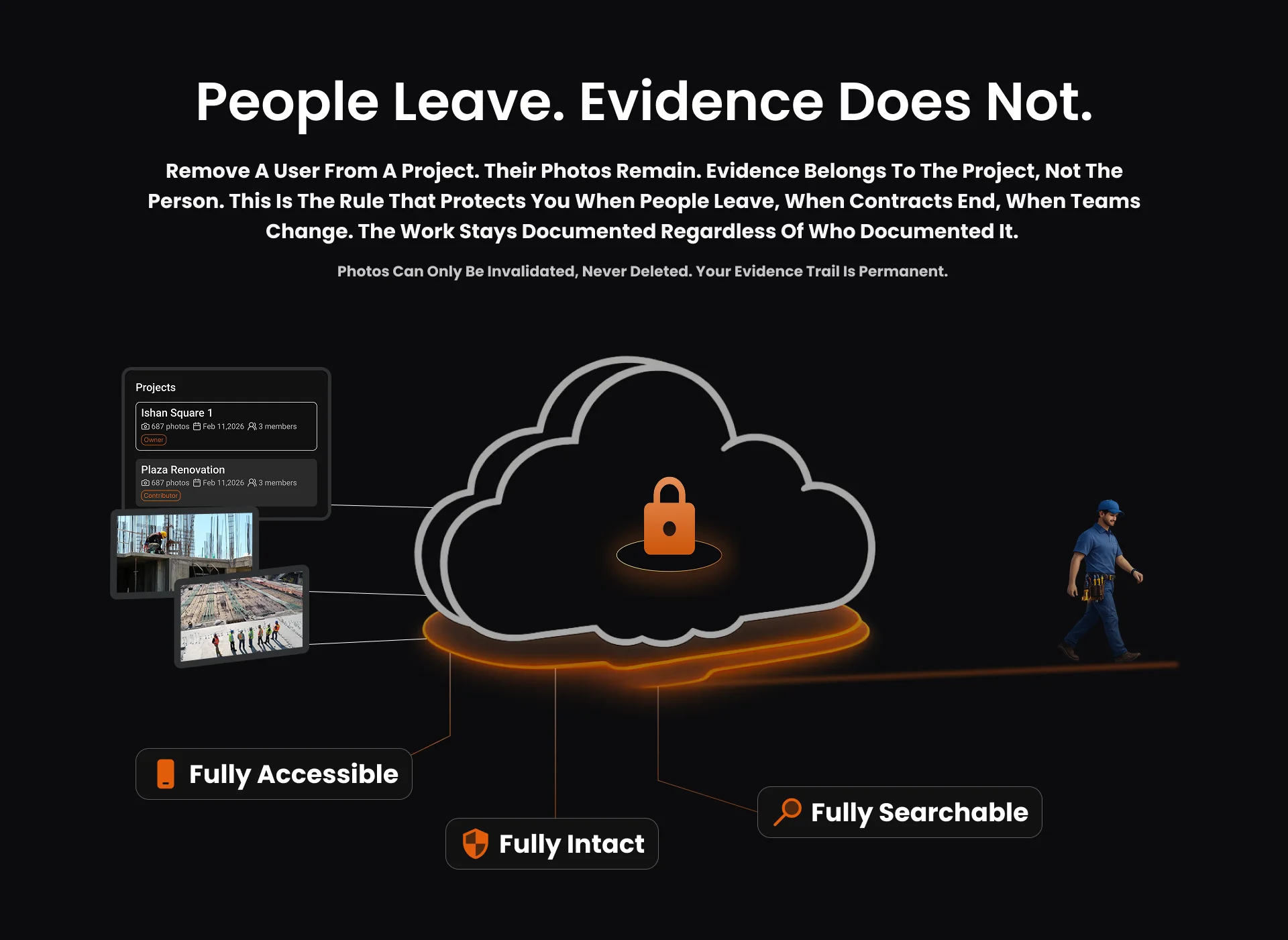
How do you find one photo among a hundred thousand?
Search depends on metadata. When every photo carries the fields in the table above, finding one photo is a filter, not a hunt: project, area, date range, activity, and phase narrow a hundred thousand photos to a handful.
AppMatic Tech's construction platform goes one step further. A custom MCP (Model Context Protocol) server exposes photo metadata, project records, and compliance reports to Claude, GPT-4, and other compatible models, so a project manager can ask in plain language instead of building a filter. In the words of the client's Head of Operations: "Now a field manager can ask for foundation photos from last Thursday on Site B and get exactly those results in seconds."
How MCP connects AI models to construction data, including platforms such as Procore, is explained in can ChatGPT or Claude read your construction project data. The wider set of AI workflows built on the same photo metadata is described in AI in construction: 5 workflows that actually work.
How do photo documentation needs differ in the UK, US and Africa?
Every market needs dated, located, and searchable photos. The reasons, and the practical constraints, differ.
| Region | Main drivers for photo records | Practical constraint |
|---|---|---|
| United Kingdom | Golden thread information for higher-risk buildings under the Building Safety Act 2022; the CDM 2015 health and safety file for future works; records supporting notices under NEC and JCT contracts | Signal dead zones in basements and steel-frame interiors |
| United States | Evidence for delay and change order claims; incident documentation alongside OSHA records; progress verification for lenders and owners before payments | Very large photo volumes on big commercial sites |
| Africa (Kenya, Nigeria, Egypt, Ethiopia, Tanzania, South Africa) | Progress evidence for public-sector and development-finance-funded works; health and safety files under South Africa's Construction Regulations 2014 | Intermittent connectivity, mobile data costs, and limited phone storage on mid-range Android devices |
For African sites, the photo system has to be designed around bandwidth. AppMatic Tech's Photo Sync Engine compresses each photo on the device to a configurable quality target before upload and queues uploads until a connection is available, so a supervisor on a remote corridor can capture a full day of photos without signal. The engineering is explained in how offline-first construction apps sync field data, and the regional market is covered in construction technology in Africa 2026.
How AppMatic Tech builds construction photo documentation
AppMatic Tech has shipped 330+ products since 2017 with an 83% client retention rate and a 5.0 Clutch rating. On its construction project management platform, the AppMatic Photo Sync Engine handles capture, on-device compression, a persistent upload queue with exponential backoff, and conflict resolution by timestamp and device ID, so simultaneous uploads from several workers to the same project are preserved without duplication. The platform manages 100+ projects and saved teams 32% of project management time.
A photo documentation build can start as a focused field app, as described in the Flutter app for construction field data capture, and grow into plain-language photo search through an MCP server for construction project data. The full service scope is on the construction technology service page. Contact AppMatic Tech at contact@appmatictech.com to plan a photo documentation system.
Sources
| Claim used in this article | Source |
|---|---|
| Untagged photos across chat threads and devices, Photo Sync Engine design, Head of Operations quote | Construction project management platform case study |
| 32% project management time saved, 100+ projects, 500+ concurrent projects | Construction project management platform case study |
| Golden thread information for higher-risk buildings | Building Safety Act 2022 and IStructE, implementing the golden thread |
| CDM 2015 health and safety file | HSE, Managing health and safety in construction (L153) |
| South Africa health and safety file requirements | Guidelines to the Construction Regulations, 2014 |
Frequently Asked Questions
- What is construction site photo documentation?
- Construction site photo documentation is the planned capture of dated, located, and tagged photographs of a project, from existing conditions before work starts to handover, so that progress, workmanship, concealed work, and incidents can be verified later. AppMatic Tech builds photo documentation into offline-first Flutter field apps that tag each photo with project, location, date, uploader, and activity.
- How should construction site photos be organised?
- Construction site photos should be organised by metadata, not by folders: project, area or grid location, date and time, uploader, device, activity, and phase (before, during, or after). Metadata applied at capture lets any photo be filtered or searched later. AppMatic Tech's construction platform stores this metadata in PostgreSQL and makes it searchable in plain language through an MCP server.
- Are construction photos valid evidence in delay claims and disputes?
- Construction photos are commonly used as supporting evidence in delay claims and disputes when they have reliable timestamps and locations, are kept as unedited originals with their metadata, and are tied to the schedule activity they show. Photos support but do not replace contractual notices and written records. Contractors should confirm evidential requirements with construction counsel for each contract and jurisdiction.
- What should be photographed on a construction site?
- A construction site team should photograph existing conditions before work starts, every work area on a fixed weekly schedule, all work before it is concealed (such as rebar before a concrete pour or services before drywall), material deliveries, safety observations and incidents, inspections, and the completed works at handover.
- How do you find a specific construction photo quickly?
- A specific construction photo is found quickly when every photo carries structured metadata at capture, because the search then filters by project, location, date, and activity instead of scrolling. On AppMatic Tech's construction platform, a field manager can ask for foundation photos from last Thursday on Site B in plain language and receive exactly those photos in seconds.