


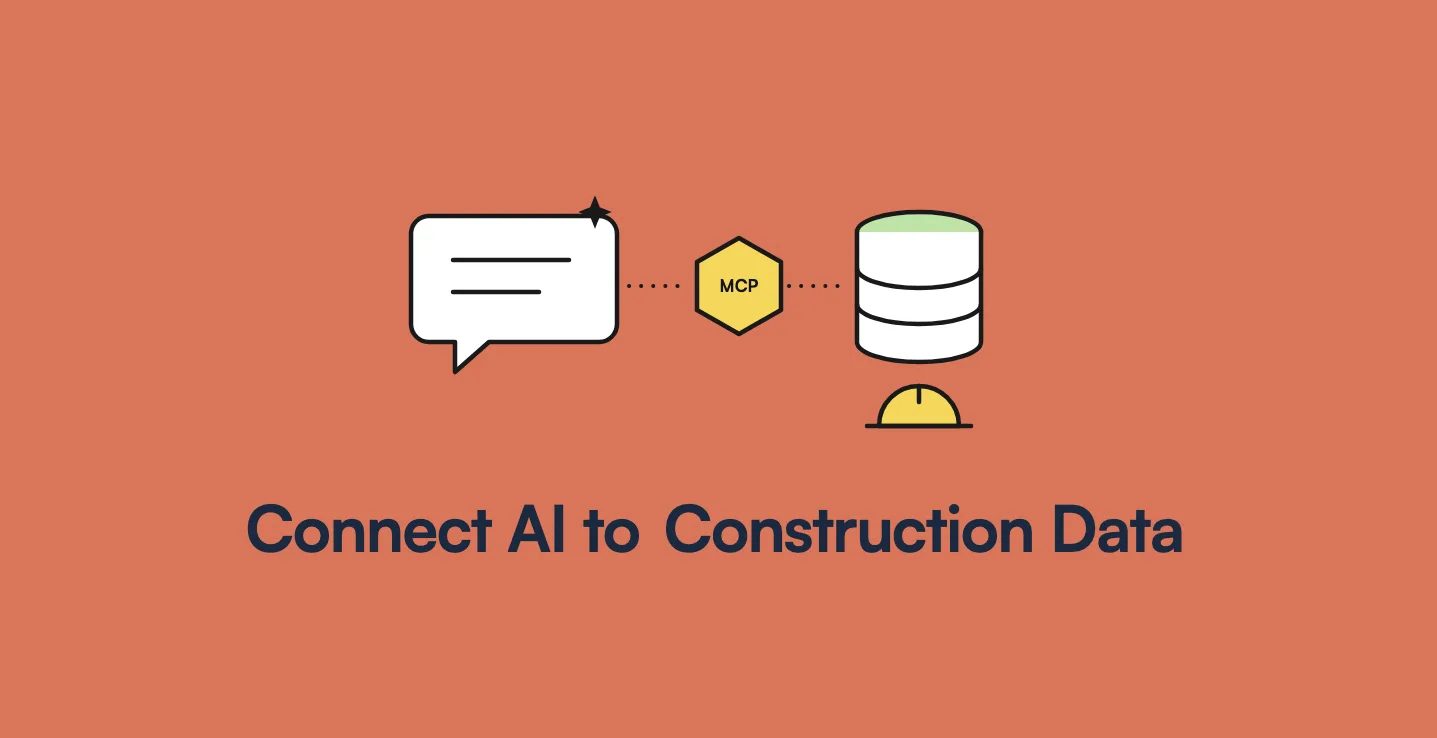
AppMatic Tech connects Claude, ChatGPT, and other LLMs to live construction project data through custom MCP (Model Context Protocol) servers that read Procore, field apps, PostgreSQL databases, and spreadsheets with the asking user's permissions. AppMatic Tech is based in Ahmedabad, India, and its Construction MCP Server helped save construction teams 32% of project management time.
"Can I just ask ChatGPT which of my projects are behind schedule?" is now one of the most common questions construction leaders ask about AI. The honest answer is: not yet, if the data has never been connected, and yes, once it has. A general AI assistant knows a great deal about construction. It knows nothing about your Site B, your open RFIs, or the photos your supervisor took last Thursday. This article explains how the Model Context Protocol closes that gap, which construction systems it can connect to, what questions become possible, and how to keep project data secure while doing it.
Key takeaways
AI answers about your projects need a live connection to your project data.
| Point | Detail |
|---|---|
| Default state | ChatGPT and Claude cannot see Procore, field apps, or company databases |
| The connector | An MCP server exposes project data to AI models through a standard protocol |
| Systems it reads | Procore, Autodesk Construction Cloud, in-house field apps, databases, spreadsheets |
| Questions it unlocks | Project status, photo search, compliance summaries, open RFIs, delay risk |
| Security model | Read-only by default, scoped access, user permissions, tenant isolation, logging |
| Measured result | 32% of project management time saved on AppMatic Tech's construction platform |
Can ChatGPT or Claude answer questions about your construction projects today?
Only about data they can see. There are three levels of access, and most construction companies are on the first.
- No connection. The assistant answers from general knowledge. It can explain what an RFI is, draft a generic method statement, or summarise CDM 2015 duties, but it knows nothing about your projects.
- Uploaded files. A user uploads a spreadsheet or a PDF and asks questions about it. This works for one-off analysis, but the answer is only as current as the file, and nothing is connected to the field.
- Live connection. The assistant queries the company's systems at the moment the question is asked, through an MCP server, and answers from current data with the user's permissions.
Level three is where the time savings come from, because a project manager stops exporting, uploading, and reconciling data before every question.
What is an MCP server, in construction terms?
The Model Context Protocol is an open standard, introduced by Anthropic in November 2024, for connecting AI models to the systems where data lives. Claude supports it natively, OpenAI has added MCP support to its Agents SDK and ChatGPT connectors, and a growing list of AI tools can act as MCP clients. An MCP server is the piece a company builds or installs on its side.
In construction terms, an MCP server does three jobs:
- Exposes resources. Project records, site photo metadata, compliance reports, RFIs, schedules, and daily logs are made available in a structured form the AI model can read.
- Offers tools. Defined actions such as "search photos by project, area, and date" or "list overdue inspections" that the model can call when answering.
- Enforces the rules. Every request runs with the permissions of the person asking, touches only approved data, and is logged.
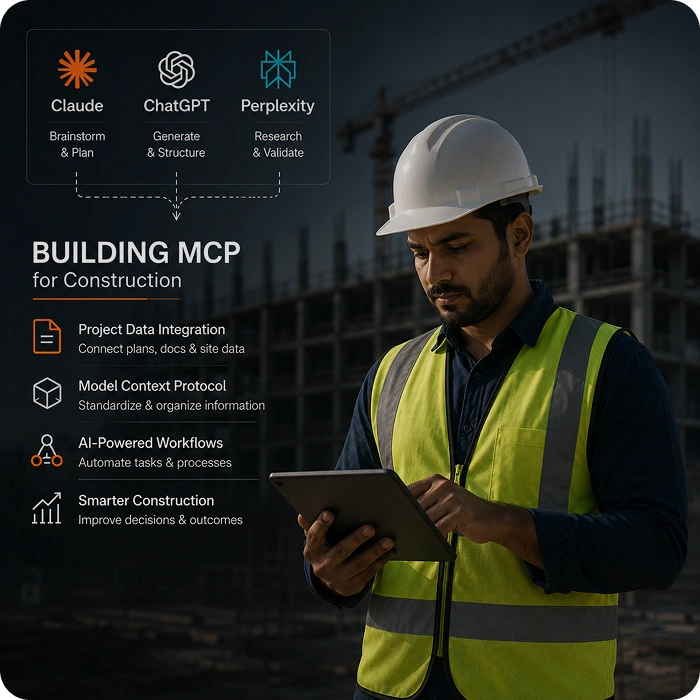
AppMatic Tech's Construction MCP Server exposes three live resources: project records (status, team, milestones, and progress), compliance reports, and photo metadata (project, location, date, uploader, and tags). The architecture behind MCP servers in general is explained in MCP server architecture explained.
Which construction systems can an MCP server connect to?
An MCP server reads each system through the access that system already offers.
| System | How the MCP server reads it | What to confirm first |
|---|---|---|
| Procore | Procore's REST API, authenticated with OAuth 2.0 through a registered app | Which projects and tools the connecting account may read |
| Autodesk Construction Cloud | Autodesk Platform Services APIs, including RFIs and submittals | Which ACC modules hold the data the questions need |
| In-house or vendor-built field app | The app's API or a read-only replica of its database | That the company owns its data and has a route to it |
| Spreadsheets and shared drives | Structured imports on a schedule | That sheets follow a consistent, parseable format |
| Site sensors and equipment telemetry | IoT platform APIs or message streams | Which readings matter for safety and progress questions |
Most construction companies get the majority of the value from one or two sources, usually the field app and the project management platform. Adding AI to an existing construction system without replacing it is covered step by step in adding AI to your construction app.
What can a project manager ask once the data is connected?
Once project data is connected, questions that used to take an afternoon take seconds. These are typical of the questions AppMatic Tech's construction clients ask:
- "Show foundation photos from last Thursday on Site B."
- "Which projects are behind their current milestone, and what is the stated reason?"
- "List every RFI that has been open for more than ten days, grouped by project."
- "Draft the weekly compliance summary for Site 14 from this week's checklists."
- "Which sites have not submitted a daily log since Monday?"
- "Summarise this week's safety observations across the portfolio."
On AppMatic Tech's platform, answers like these replaced most of a project manager's Monday preparation, which fell from about 8 hours to under one. The five production workflows behind these answers are described in AI in construction: 5 workflows that actually work.
Pro tip: Before connecting anything, collect the twenty questions your project managers ask most often. If most of them need data from one system, connect that system first and prove the value there.
Should you use an off-the-shelf connector or a custom MCP server?
Third-party and open-source MCP connectors for platforms such as Procore have appeared, and they are a reasonable way for one person to explore what AI can do with project data. A company-wide deployment usually needs more.
| Need | Off-the-shelf connector | Custom MCP server |
|---|---|---|
| One user exploring one platform | Good fit | More than needed |
| Joining data from a field app, Procore, and spreadsheets | Usually one source only | Designed for multiple sources |
| Company permissions and per-user access | Depends on the connector | Mirrors the company's own access rules |
| Audit logging of every AI query | Varies | Built in |
| Controlled write actions, such as creating an RFI | Varies, sometimes enabled by default | Only actions the company approves |
| Data handling and hosting | Set by the connector provider | Set by the company |
| Model routing and fallback | Usually tied to one assistant | Routes across models by query type |
Whatever the choice, review where data flows, what write actions are enabled, and who hosts the connector before connecting a production account. The trade-offs between MCP and a conventional API layer are compared in MCP server vs custom API.
How do you keep construction data secure when AI can read it?
Security comes from the design of the MCP server, not from the AI model. The controls AppMatic Tech builds into construction MCP servers:
- Read-only by default. The server reads project data and writes nothing unless a specific, approved action is designed for it.
- Least privilege. Each tool reads only the fields it needs, through scoped credentials such as OAuth tokens limited to the required projects.
- User permissions. Every query runs as the person asking, so a site supervisor cannot see another region's projects through the AI.
- Tenant isolation. On a platform serving several companies, each company's data is isolated, as on AppMatic Tech's multi-company Laravel backend.
- Logging. Every request, every resource read, and every answer is logged for audit.
Data protection law adds a regional layer. Construction records include personal data such as worker names, photos, and site access details, so the MCP server and the AI provider must fit the company's obligations under laws such as UK GDPR in the United Kingdom, state privacy laws in the United States, South Africa's POPIA, Kenya's Data Protection Act 2019, and Nigeria's Data Protection Act 2023. Hosting location and the AI provider's data retention terms should be confirmed during design. A deeper security checklist is in MCP server security best practices.
Which AI model should answer construction questions?
The right model depends on the question. Summarising a long compliance document, answering a structured status question, and finding photos by description each perform best with different model configurations.
AppMatic Tech's Construction MCP Server includes a multi-LLM gateway that routes each query to Claude, GPT-4, or another connected model based on query type and client configuration, with automatic fallback if the primary model is unavailable. New providers are added through gateway configuration without changing the MCP server's data layer, so a construction company is not locked into one AI vendor.
How AppMatic Tech built the Construction MCP Server
AppMatic Tech has shipped 330+ products since 2017 with an 83% client retention rate and a 5.0 Clutch rating. On its construction project management platform, AppMatic Tech built the Construction MCP Server during weeks six to ten of a twelve-week build, connected Claude and GPT-4, and validated natural language query accuracy against real project and photo data. The server reads directly from the live PostgreSQL database rather than stale exports. The platform manages 100+ projects, supports companies running 500+ concurrent projects, and saved teams 32% of project management time.
The productised version of this build is described in MCP server for construction project data, the general service on the MCP server development page, and the construction service scope on the construction technology service page. Contact AppMatic Tech at contact@appmatictech.com to connect AI to your construction data.
Sources
| Claim used in this article | Source |
|---|---|
| Model Context Protocol as an open standard introduced by Anthropic | Anthropic, introducing the Model Context Protocol and modelcontextprotocol.io |
| Procore REST API authenticated with OAuth 2.0 | Procore Developers, REST API overview |
| Autodesk Construction Cloud data through Autodesk Platform Services | Autodesk Platform Services |
| Construction MCP Server resources, multi-LLM gateway, live PostgreSQL reads, weeks six to ten | Construction project management platform case study |
| Monday preparation time saving | AI in construction: 5 workflows that actually work |
Frequently Asked Questions
- Can ChatGPT read my Procore or construction project data?
- ChatGPT and Claude cannot see a construction company's Procore projects, field app records, or databases by default. They can answer questions about that data when it is connected through an MCP (Model Context Protocol) server, which reads the systems through their APIs with the asking user's permissions. AppMatic Tech builds custom MCP servers that connect Claude, GPT models, and other LLMs to live construction project data.
- What is an MCP server in construction?
- An MCP server in construction is a service that exposes a company's project records, site photo metadata, compliance reports, RFIs, and schedules to AI models in a standard format, so a project manager can ask questions in plain language and get answers built from live data. AppMatic Tech's Construction MCP Server exposes project records, compliance reports, and photo metadata to Claude, GPT-4, and compatible LLMs.
- Is it safe to connect AI to construction project data?
- Connecting AI to construction project data is safe when the connection is read-only by default, scoped to the minimum data each feature needs, enforces each user's existing permissions, isolates each company's data, and logs every access. AppMatic Tech's Construction MCP Server reads live PostgreSQL data with multi-company tenancy, and only writes back when a specific approved action is designed for it.
- Should a construction company use an off-the-shelf Procore connector or a custom MCP server?
- An off-the-shelf connector suits a single user exploring Procore data with an AI assistant. A custom MCP server suits a company that needs several data sources joined together, such as a field app, Procore, and spreadsheets, company-wide permissions and audit logging, controlled write actions, and model routing. AppMatic Tech builds custom MCP servers for the second case.
- Which AI model works best for construction project questions?
- No single model is best for every construction query. Document summarisation, structured data questions, and photo retrieval each suit different model configurations. AppMatic Tech's Construction MCP Server includes a multi-LLM gateway that routes queries to Claude, GPT-4, or other connected models by query type and client configuration, with automatic fallback if the primary model is unavailable.