

Case Study · Booking · Membership · Rehabilitation
Booking and Membership Management System for a Science-Based Fitness and Rehabilitation Centre
AppMatic Tech built a booking and membership management system for a science-based fitness and rehabilitation training centre, using Laravel, MySQL, and React. Clients book group programmes and Personal Training sessions online, eligibility follows each assessment outcome, and session credits deduct automatically. The system is live on the centre's own domain, engineered in Ahmedabad, India.
What was delivered
What Did AppMatic Tech Deliver for the Fitness and Rehabilitation Centre?
AppMatic Tech delivered one system that replaces separate booking, membership, and admin tools: client accounts, online booking, assessment-based eligibility, session credits, waitlists, online package payments, an administrative dashboard, and automated notifications, live on the centre's own domain.
- 7
- Core modules, from client registration to automated booking notifications
- 2
- Booking types: group training programmes and 1:1 Personal Training sessions
- 330+
- Products shipped by AppMatic Tech since 2017
- 5.0
- Clutch rating across 11 verified AppMatic Tech client reviews
Project at a Glance
- Client
- Science-based fitness and rehabilitation training centre
- Product
- Booking and membership management system
- Platform
- Mobile-friendly web app on the centre's own domain and branding
- Stack
- Laravel, MySQL, and React
- Payments
- Online purchase of session-based packages
- Notifications
- Email plus SMS or WhatsApp alerts
- Status
- Live
What Did the Fitness and Rehabilitation Centre Ask AppMatic Tech to Build?
The centre runs assessment-led training: every client starts with an assessment, and the outcome decides which group programmes are safe to join. The brief asked AppMatic Tech for one booking and membership system built around that rule, with three named improvement targets.
“Booking and membership management system for our fitness centre … improved user interface, booking experience and administrative functionality.”
- 01 · Brief target
A Clearer Client Interface
AppMatic Tech redesigned every client screen mobile-first in the centre's own branding: registration, login, profile, package balance, and upcoming bookings all work on a phone screen without zooming or sideways scrolling.
- 02 · Brief target
A Faster Booking Experience
Group programmes and Personal Training share one booking flow: choose a day, choose a session, confirm. The timetable shows locked programmes, full classes, and the remaining credit balance before a client confirms, so no client books a place the rules would reject.
- 03 · Brief target
Stronger Administrative Control
One administrative dashboard manages clients, coaches, schedules, packages, and bookings, so the centre's staff change a timetable, a capacity, or a package without a developer.
Seven modules · one booking and membership system
Which Modules Did AppMatic Tech Build Into the Booking System?
- 01
Register
Client registration, login, and profile management
Clients create an account on the centre's own domain, sign in, and manage one profile that holds personal details, package balance, booking history, and assessment status. Laravel handles authentication and password resets; the React sign-up form stays short so a new client can book in the same visit.
UI/UX design at AppMatic Tech → - 02
Book
Online booking for group programmes and Personal Training
Group training programmes run as scheduled classes with a set number of places. Personal Training runs as 1:1 slots drawn from each coach's availability. Both use the same flow, and the place and the session credit are taken in the same step.
Sports and fitness platforms → - 03
Qualify
Class capacity and eligibility set by assessment outcomes
Each group class type carries its own capacity, so a rehabilitation group stays small while a conditioning class holds more places. A client's assessment outcome decides which programmes are bookable; programmes outside that outcome show as locked until the coaching team records a new result.
- 04
Credits
Session-based packages with automatic credit deductions
Membership is sold online as session packages. A confirmed booking deducts one credit, an on-time cancellation returns it, and every package carries an expiry date. Attendance is recorded against each booking, so staff see used, remaining, and expired sessions for every client.
Custom SaaS and web apps → - 05
Reschedule
Cancellations, rescheduling, waitlists, and availability
Clients cancel or move a booking themselves within the centre's rules. A full class offers a waitlist, and a freed place goes to the waitlist with an alert. Staff open, close, or block sessions and coach availability from the dashboard.
- 06
Manage
One administrative dashboard for the whole centre
The dashboard manages clients, coaches, schedules, packages, and bookings. Staff build the class timetable, set capacities, create packages, record assessment outcomes and attendance, and book or cancel on a client's behalf.
Admin dashboards and web platforms → - 07
Notify
Automated booking confirmations and notifications
Every booking, cancellation, reschedule, and waitlist offer triggers a message with no staff involvement: an email for the record, plus an SMS or WhatsApp alert for time-sensitive changes. Messages send from a background queue, so confirming a booking never waits on a message provider.
WhatsApp Business API integration guide →
What Makes Booking Different at a Rehabilitation-Led Fitness Centre?
A rehabilitation-led fitness centre cannot let every client book every class. AppMatic Tech built the booking rules around the assessment: the outcome the coaching team records decides which programmes a client can book, each class type keeps its own capacity, and a package credit moves only when a place is confirmed.
How Does the Booking Engine Decide Whether a Client Can Book?
Every booking request passes six server-side checks in a fixed order before a place is confirmed. The checks run in Laravel, not in the browser, so a modified request cannot skip the assessment rule, the class capacity, or the credit balance.
- Check 01
Signed in
The request carries an authenticated client session; holding a place requires a registered client account.
- Check 02
Eligible
The client's latest assessment outcome includes the programme being booked. The check runs in Laravel, so an edited request cannot skip it.
- Check 03
Place free
Confirmed bookings are below the capacity set for that class type. A full class returns a waitlist offer instead of an error.
- Check 04
Credit available
The client holds an active, unexpired package with at least one session credit remaining.
- Check 05
Confirmed in one transaction
The booking and the credit deduction are written in one MySQL transaction with the class session row locked, so two clients cannot take the last place at the same moment.
- Check 06
Notified
A confirmation goes out by email and SMS or WhatsApp, and the booking appears on the administrative dashboard.
Booking Rules by Session Type
| Rule | Group training programme | Personal Training session |
|---|---|---|
| Capacity | Set per class type in the administrative dashboard | One client per slot |
| Eligibility | Assessment outcome must include the programme | Booked against the coach's published availability |
| Schedule source | Class timetable built by staff | Each coach's available 1:1 slots |
| Payment | One session credit from an active package | One session credit from an active package |
| When full | Waitlist, with an alert when a place frees up | Next available slot with any coach |
| Cancel or reschedule | Self-service within the centre's cancellation window | Self-service within the centre's cancellation window |
How Do Session Credits Move From Purchase to Expiry?
Membership at the centre is sold online as session-based packages, not open-ended monthly plans. The booking system deducts, returns, and expires credits automatically, and every movement is written to a ledger so staff never correct a balance by hand.
| Event | Credit effect | Record written |
|---|---|---|
| Package bought online | Credits added, expiry date set | Package and payment record |
| Booking confirmed | One credit deducted | Booking and ledger entry |
| Cancelled inside the window | Credit returned | Ledger entry linked to the booking |
| Rescheduled | Credit stays with the moved booking | Booking history updated |
| Session attended | No change | Attendance record |
| Package expiry date passes | Remaining credits expire | Expiry entry on the ledger |
What Records Does the Booking System Keep?
- 01Client
- Account, profile, contact details, and booking history for one person training at the centre.
- 02Assessment outcome
- The result the coaching team records after an assessment; it lists the group programmes the client may book.
- 03Programme
- A type of group training with its own capacity and eligibility requirement.
- 04Class session
- One dated, timed occurrence of a programme, with a coach and a count of places taken.
- 05Package
- A purchased bundle of session credits with a start date and an expiry date.
- 06Credit ledger
- Every purchase, deduction, return, and expiry written as its own entry, so any balance traces back to the bookings that changed it.
- 07Booking
- A client's place in a class session or a Personal Training slot, with its status and cancellation history.
- 08Waitlist entry
- A client's position in the queue for a full class session.
What Can the Centre's Staff Manage From the Administrative Dashboard?
The administrative dashboard is a React application on the same Laravel API as the client interface. Five areas cover the centre's daily operations, so a timetable change, a new package, or a corrected booking needs no developer.
- 01
Clients
Search profiles, view package balances and booking history, and record the assessment outcomes that set booking eligibility.
- 02
Coaches
Add coaches, publish each coach's Personal Training availability, and assign coaches to group class sessions.
- 03
Schedules
Build the group class timetable, set capacity per class type, and open, close, or block sessions.
- 04
Packages
Create session-based packages with a credit count, a price for online purchase, and a validity period.
- 05
Bookings
See bookings by day, coach, or class, book or cancel for a client, manage waitlists, and mark attendance.
Which Notifications Does the Booking System Send Automatically?
Five booking events send messages with no staff involvement. Email carries the full record; SMS or WhatsApp alerts carry the changes a client needs to see before the next session.
| Trigger | Message content | Channel |
|---|---|---|
| Booking confirmed | Session, time, coach, and remaining credit balance | Email plus SMS or WhatsApp |
| Booking cancelled | Cancelled session and whether the credit was returned | Email plus SMS or WhatsApp |
| Booking rescheduled | Old and new session times | Email plus SMS or WhatsApp |
| Waitlist place available | Freed place in a full class session | SMS or WhatsApp, with email |
| Package purchased | Credits added and package expiry date |
Why Does the Booking System Run on the Centre's Own Domain and Branding?
The brief asked for a mobile-friendly interface carrying the centre's branding on the centre's own domain. AppMatic Tech built the client interface in React to the centre's brand, so booking feels like part of the centre's website rather than a hand-off to a vendor.
Brand continuity
Clients book on the same domain as the centre's website, in the centre's colours and typography, instead of on a booking vendor's page.
Mobile-friendly by default
The React interface is designed for a phone screen first and scales up to tablet and desktop for front-desk staff.
Data the centre owns
Client, booking, package, and payment records sit in the centre's own MySQL database, not inside a third-party platform.
Traffic that stays home
Every booking visit counts toward the centre's own domain and analytics rather than a vendor subdomain.
Should a Fitness Centre Use Gym Booking Software or a Custom System?
Off-the-shelf gym booking software suits a studio whose rules match the vendor's defaults. A rehabilitation-led centre with assessment-gated programmes and session packages needs rules most vendors do not model, which is where a custom system from AppMatic Tech pays back.
| Decision | Off-the-shelf booking software | Custom system by AppMatic Tech |
|---|---|---|
| Assessment-based eligibility | Rarely supported; usually handled by manual staff approval | Checked on every booking request |
| Capacity per class type | Commonly supported | Set per class type from the dashboard |
| Session credits and expiry | Supported within the vendor's fixed rule set | Shaped to the centre's own packages |
| Branding and domain | Vendor-branded pages or a vendor subdomain on many plans | Centre's own domain and branding |
| Client and booking data | Held on the vendor's platform; export options vary | Centre-owned MySQL database |
| Cost model | Monthly subscription, often scaled by location or member count | One-off build, then hosting and support |
| Feature changes | Wait for the vendor's roadmap | Built to the centre's request |
How Does AppMatic Tech Build a Booking and Membership System?
Six phases, each ending with something the centre can inspect: a written rule set, approved screens, a tested booking engine, a working dashboard, a live domain, and a support log.
- Phase 01
Rules workshop
Every booking rule is written down before design starts: class types, capacities, assessment outcomes and the programmes each one unlocks, package sizes, expiry periods, and the cancellation window.
- Phase 02
Branded UX and UI design
Mobile-first screens for registration, booking, packages, and the administrative dashboard, designed in Figma in the centre's own brand and approved before development.
- Phase 03
Booking engine and credit ledger
Laravel API and MySQL schema for bookings, eligibility, capacity, waitlists, and credits, with automated tests on each booking rule.
- Phase 04
Dashboard, payments, and notifications
The React administrative dashboard, online package payments, and the email, SMS, and WhatsApp notification queue.
- Phase 05
Launch on the centre's domain
Deployment on the centre's own domain, staff walkthrough of the dashboard, and a monitored first week of live bookings.
- Phase 06
Support and iteration
Fixes, new programmes, new package types, and reporting requests handled by the same AppMatic Tech team that built the system.
What Does a Custom Fitness Booking System Cost at AppMatic Tech?
Custom software at AppMatic Tech starts at $2,500+ for a Focused Sprint covering one defined deliverable. A full booking and membership system is priced after the rules workshop, because session types, eligibility rules, packages, payments, notification channels, and locations set the scope.
Starting engagement
$2,500+Focused Sprint: one defined deliverable, such as a booking rules workshop and a clickable prototype.
Scope a Sprint ↗| Cost driver | Smaller scope | Larger scope | Why it matters |
|---|---|---|---|
| Session types | One class type | Group programmes plus 1:1 Personal Training | Each type needs its own capacity rule and schedule source. |
| Eligibility | Open booking for every client | Assessment-gated programmes | Adds outcome recording for staff and a rule check on every booking. |
| Packages | One package, no expiry | Several packages with credits and expiry dates | Requires a credit ledger and scheduled expiry jobs. |
| Payments | Paid at the front desk | Online package payments | Adds a payment gateway, receipts, and refund handling. |
| Notifications | Email only | Email plus SMS or WhatsApp | Adds a messaging provider and a per-message running cost. |
| Locations | One centre | Several sites | Adds per-site timetables, staff permissions, and reporting. |
Which Other Sports and Fitness Products Has AppMatic Tech Built?
 Social fitness
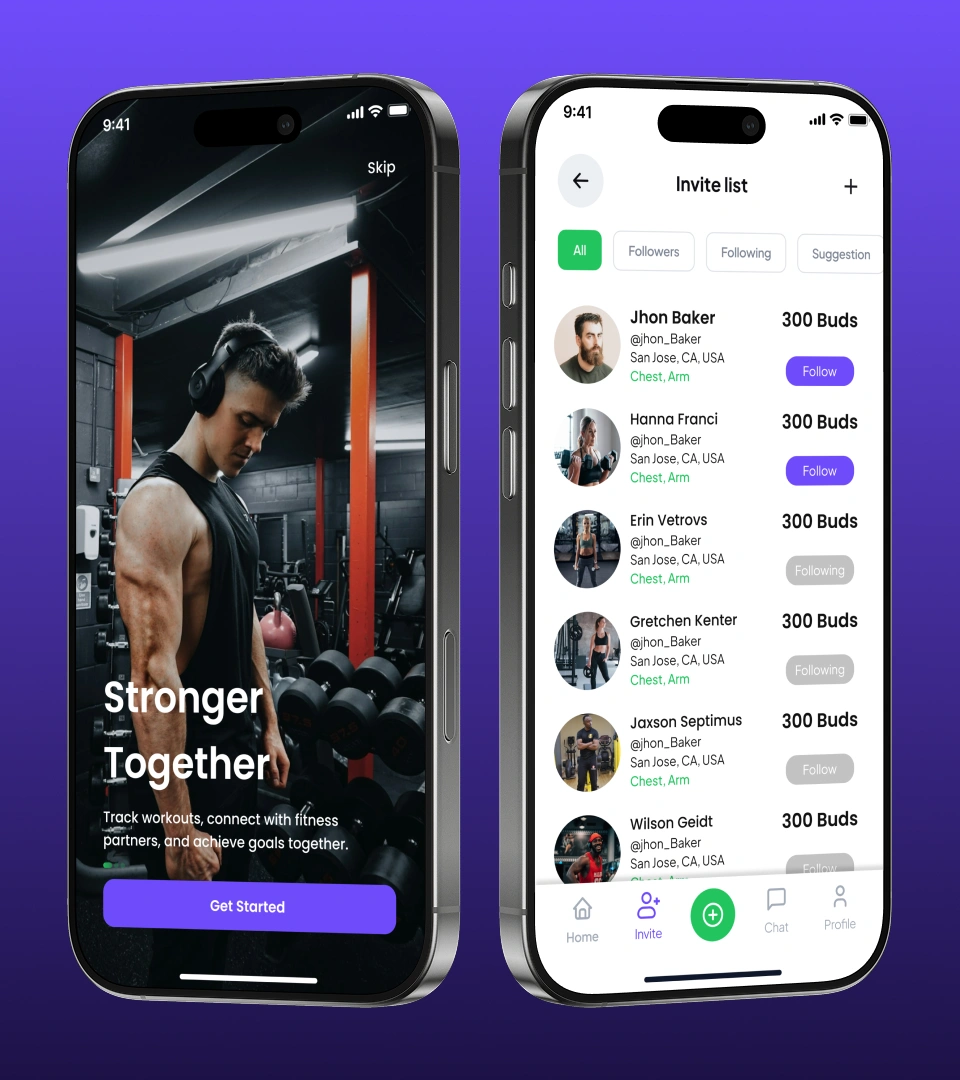
Social Fitness App: guided video workouts, AI session suggestions, and a community feed on Laravel
View ↗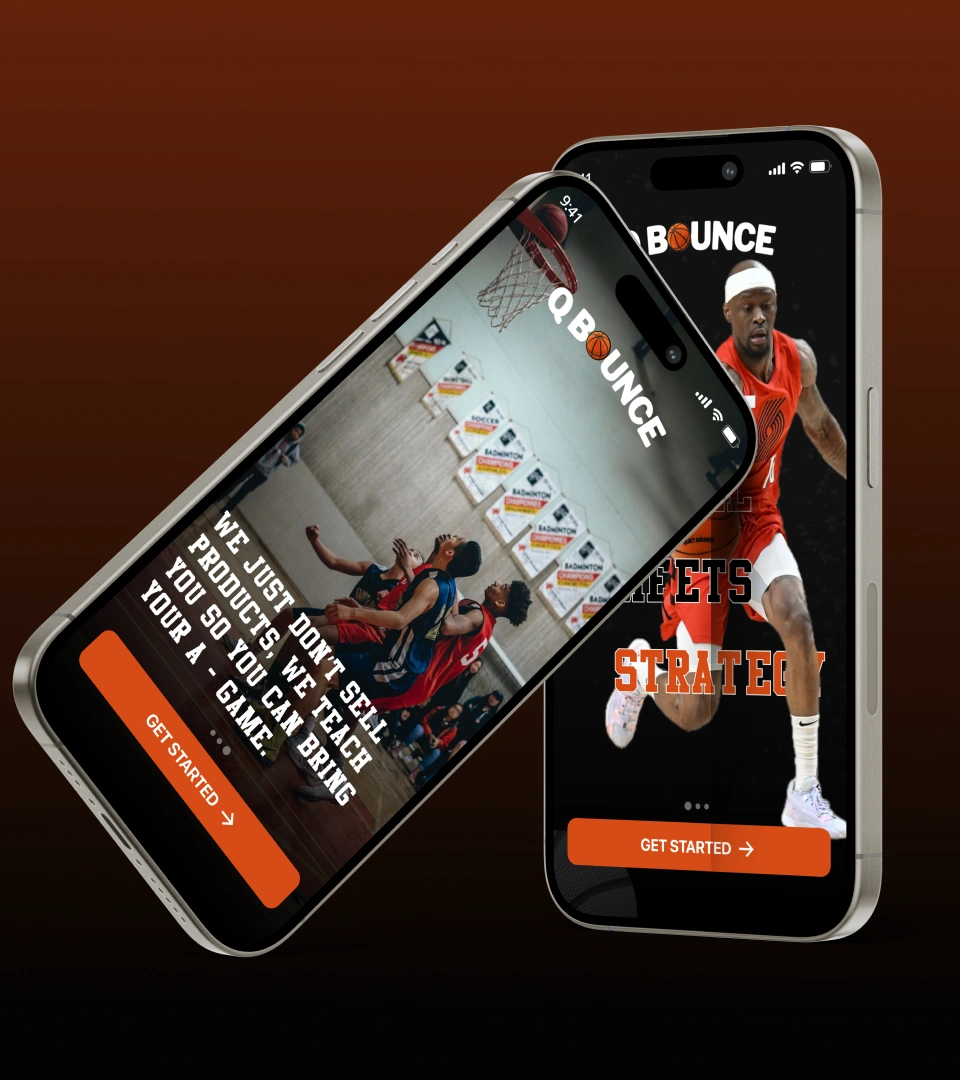 Athlete training
QBounce: Flutter basketball training app with pre-cached video drills, zero to MVP in three months
View ↗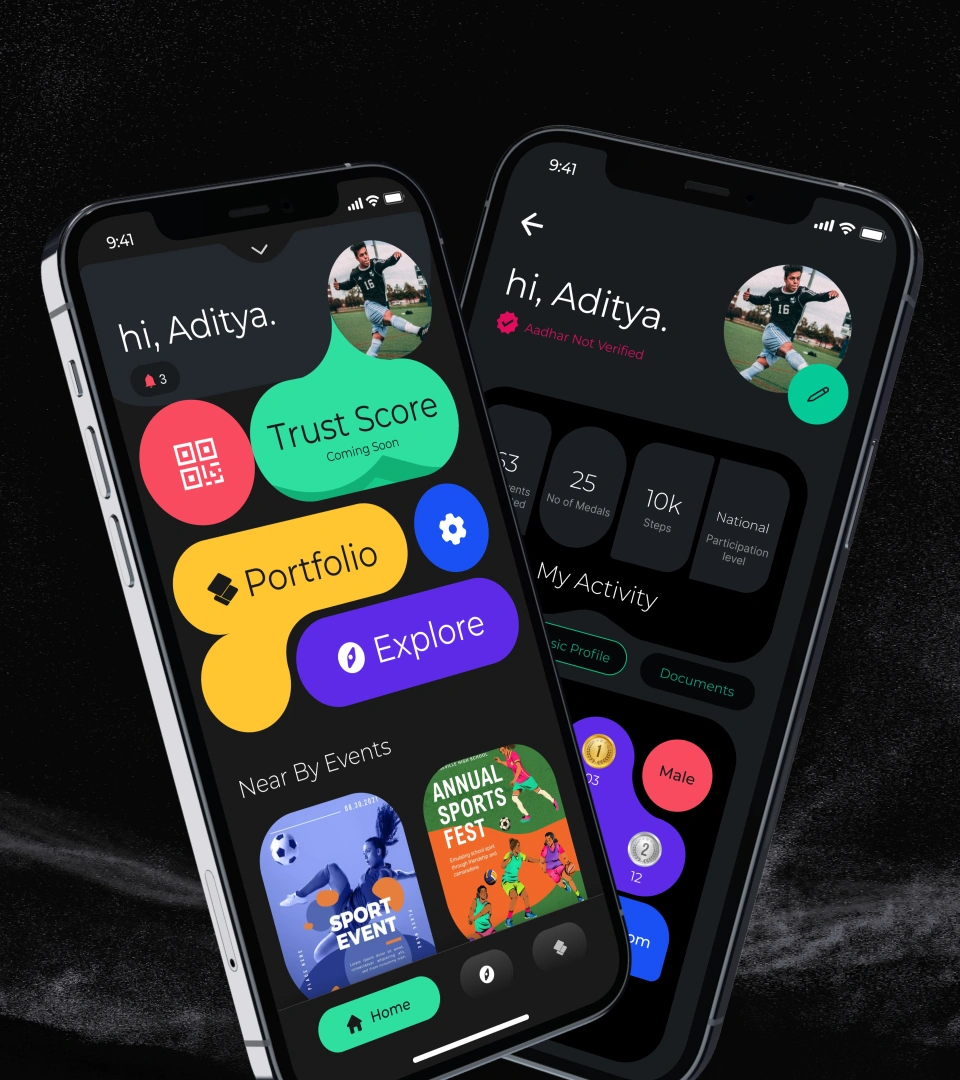 Athlete identity
Sportskeyz: digital athlete identity app launched on iOS and Android with 20,000 users on trial access
View ↗ Industry hub
Sports and Fitness Technology: training apps, wearables, booking, and membership platforms
View ↗
Booking and Membership Engineering Insights
 Booking
 Engine Development: Search Caching, Payments, and the Booking Lifecycle
Read more ↗ Messaging
WhatsApp Business API Integration: Architecture, Message Templates, and Pricing
Read more ↗ Retention
Mobile App Retention Systems: The Lifecycle Architecture Behind Week-4 Retention
Read more ↗ Fitness
How to Build a Screenless Fitness Tracker App Like WHOOP or Fitbit Air
Read more ↗
Related AppMatic Tech pages: sports and fitness technology, custom SaaS and web apps, UI/UX design, mobile app development, wearable app development, and all case studies.
Frequently Asked Questions: Fitness Centre Booking and Membership System
AppMatic Tech built a booking and membership management system for a science-based fitness and rehabilitation training centre. The system covers client registration and profiles, online booking for group programmes and Personal Training, assessment-based eligibility, session-based packages with automatic credit deductions, cancellations, rescheduling, waitlists, an administrative dashboard, and automated notifications, live on the centre's own domain.
The coaching team records an assessment outcome on each client profile, and that outcome lists the group programmes the client may book. The booking system checks the outcome on the server before confirming any place, so programmes outside the outcome show as locked until a new assessment result is recorded.
Clients buy session-based packages online. Each confirmed booking deducts one credit, a cancellation inside the centre's cancellation window returns it, and remaining credits expire on the package expiry date. Every change is written to a credit ledger, so staff can trace any balance back to the bookings that changed it.
A full group class offers a waitlist instead of a booking. When a booked client cancels, the freed place is offered to the waitlist and the client next in line receives an SMS or WhatsApp alert with an email, so the place can be filled without staff involvement.
Clients of the fitness and rehabilitation centre cancel or move bookings from their own profile on any phone, tablet, or desktop. The system applies the centre's cancellation window, returns the credit when the rule allows, and sends a confirmation of the change. Staff can also cancel or rebook on a client's behalf from the administrative dashboard.
The booking system sends automatic messages for booking confirmations, cancellations, reschedules, waitlist places, and package purchases. Email carries the full record, and SMS or WhatsApp alerts carry time-sensitive changes. Messages send from a background queue, so the booking step never waits on a message provider.
Off-the-shelf gym booking software rarely supports booking eligibility based on assessment outcomes, and many plans run on vendor-branded pages. A custom system from AppMatic Tech runs on the centre's own domain and branding, keeps client and booking data in the centre's own database, and enforces the centre's exact package and eligibility rules.
The fitness centre booking and membership system uses Laravel, MySQL, and React. Laravel runs the booking rules, credit ledger, payments, and notification queue; MySQL stores clients, packages, bookings, and attendance; React powers the mobile-friendly client interface and the administrative dashboard.
Custom software at AppMatic Tech starts at $2,500+ for a Focused Sprint covering one defined deliverable. A full fitness booking and membership system is priced after a rules workshop, because the number of session types, eligibility rules, packages, payment needs, notification channels, and locations set the scope.
Build a Booking and Membership System With AppMatic Tech
Every booking project starts with a scoping call, a written rule set for classes, eligibility, and packages, and a Technical Architecture Document. Contact the team at contact@appmatictech.com.
Start a Booking System ↗