


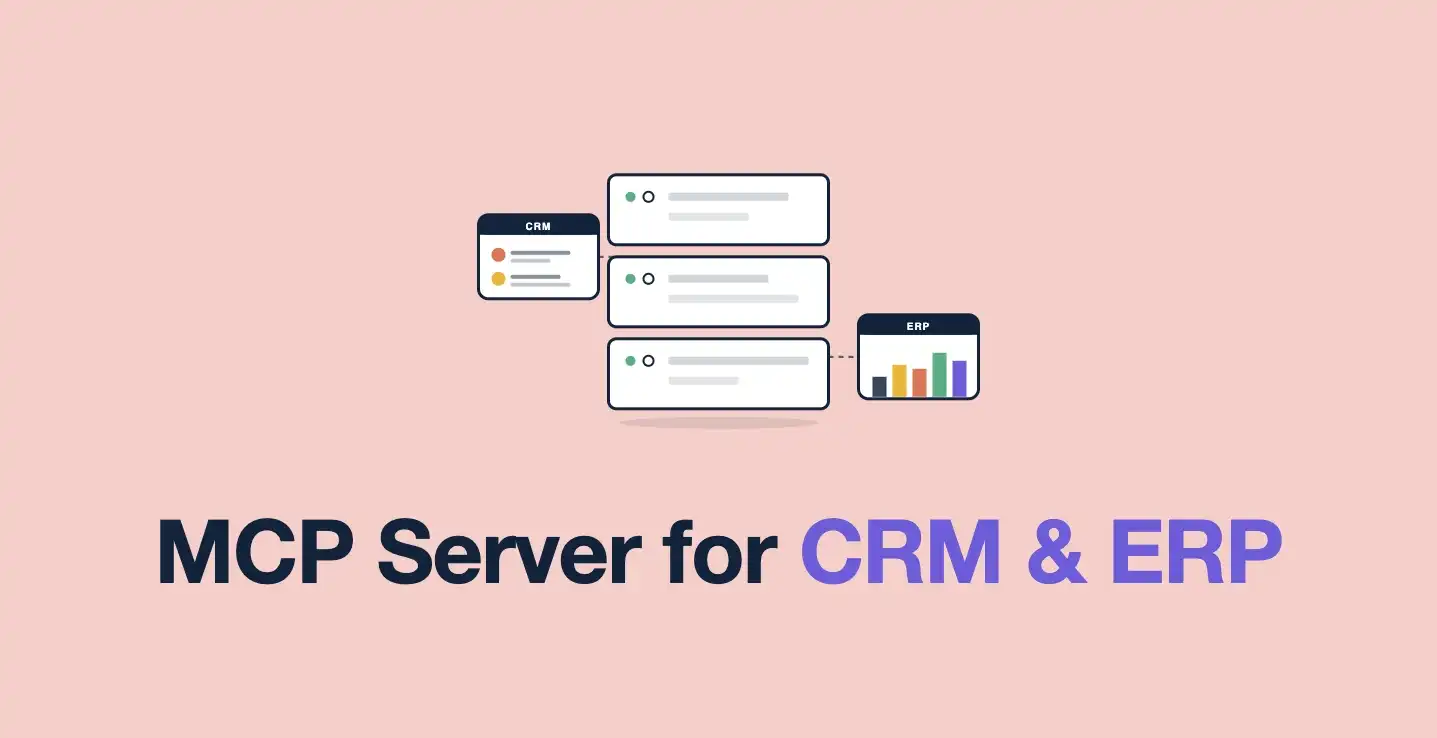
AppMatic Tech builds MCP servers that connect LLMs to CRMs such as Salesforce, HubSpot, and Pipedrive and ERPs such as SAP, NetSuite, and Microsoft Dynamics, with per-object resources, a schema normalisation layer, rate-limit caching, and transparent OAuth 2.0 token refresh. AppMatic Tech is based in Ahmedabad, India, with 330+ products shipped since 2017.
CRM and ERP systems are the most common MCP integration targets for B2B SaaS companies. Sales teams want to ask an AI assistant about pipeline status, deal history, and account health without switching between the AI interface and the CRM. Operations teams want to query inventory levels, order status, and fulfilment timelines from an LLM without navigating ERP screens designed for data entry rather than data retrieval.
The demand is consistent. The implementation challenges are also consistent and worth addressing directly, because a CRM or ERP MCP integration that works in a demonstration environment frequently breaks in production for reasons that were predictable from the start.
AppMatic Tech builds MCP server integrations for SaaS companies across 330+ product builds since 2017. The patterns below reflect what works at production scale, not what works in a Postman test.
Why are CRM and ERP MCP integrations harder than database integrations?
An MCP server connecting to a company's own PostgreSQL database operates with full control over the schema, the query interface, and the authentication layer. A CRM or ERP integration operates against an external API with a schema defined by the CRM or ERP vendor, rate limits that cap query volume, API versioning that can change without notice, and authentication mechanisms that vary significantly between vendors.
These differences create four integration challenges that do not appear in internal database builds.
Rate limits. CRM and ERP APIs impose rate limits measured in requests per minute or per day. An MCP server that issues a new API call for every LLM query will hit rate limits quickly in a multi-user deployment. AppMatic Tech implements response caching with a configurable TTL for CRM data that does not change in real time, such as contact records and historical deal data, while querying fresh data for fields that need to be current, such as deal stage and open task count.
Schema variability. CRM systems like Salesforce, HubSpot, and Pipedrive have different field names, different object relationships, and different conventions for representing the same business concept. An account in Salesforce has different fields than a company in HubSpot. An MCP server that exposes CRM data to an LLM needs a normalisation layer that translates the vendor-specific schema into a consistent resource schema the LLM can reason over reliably. AppMatic Tech builds this normalisation layer as an explicit mapping between the vendor API response and the MCP resource schema, rather than passing the raw API response to the LLM.
API versioning. CRM and ERP vendors release new API versions and deprecate old ones on schedules the integrating application does not control. A production MCP integration needs to be designed for version changes: vendor API responses should be parsed against an explicit field mapping rather than treated as a stable schema, so a field name change in the vendor API updates the mapping without touching the MCP resource definition.
OAuth and session management. CRM integrations typically use OAuth 2.0 with access tokens that expire after a defined period. The MCP server needs to refresh access tokens transparently, without failing in-flight requests, when a token expires. This requires an explicit token refresh mechanism in the authentication layer, not an error handler that tells the user to re-authenticate.
How should MCP resources be designed for a CRM?
A common mistake in CRM MCP integrations is defining a single "CRM" resource that attempts to answer every possible query about the CRM data. This produces a resource with a complex schema, high data retrieval volume on every query, and poor LLM routing accuracy because the resource description cannot adequately capture the full range of what it contains.
AppMatic Tech designs CRM MCP integrations with separate resources for each distinct CRM object type: Accounts, Contacts, Deals, Activities, and Tasks as separate resources rather than a single combined resource. Each resource retrieves only the fields relevant to the LLM query patterns that resource is designed to support.
This separation improves LLM routing accuracy because each resource description is specific. The LLM routes a pipeline value query to the Deals resource and a contact history query to the Activities resource rather than sending both to a generic CRM resource and hoping the data access layer handles the routing internally.
It also improves performance. The Deals resource retrieves deal fields. The Activities resource retrieves activity fields. Neither retrieves the other's data on every request.
How do MCP servers integrate with SAP, NetSuite, and Dynamics?
ERP integrations for MCP servers follow the same principles but with different practical challenges. ERP systems, including SAP, NetSuite, and Microsoft Dynamics, have more complex data models, more stringent access control requirements, and less developer-friendly APIs than modern CRM platforms.
The most common ERP use case AppMatic Tech encounters is inventory and order status queries: "what is the current stock level for SKU X," "what is the expected delivery date for order Y," "which purchase orders are pending approval." These are structured, transactional queries that map cleanly to MCP resources.
The integration challenge with ERP systems is typically authentication. Enterprise ERP systems use complex authentication mechanisms, including SAML, service accounts with IP restrictions, and VPN-dependent API gateways, that require coordination with the enterprise IT team to implement correctly. AppMatic Tech treats ERP authentication architecture as a discovery-phase deliverable rather than an implementation-phase detail, because the authentication constraints often determine what integration pattern is feasible.
What must be validated before a CRM or ERP MCP integration goes live?
Three validation checks are specific to CRM and ERP MCP integrations and are separate from the standard deployment checklist that applies to all MCP builds.
Rate limit headroom under realistic load. Calculate the expected query volume from all users across a typical day and verify it fits within the CRM or ERP API's rate limits with headroom for traffic spikes. If it does not, caching strategy needs to be expanded before launch.
Token refresh under concurrent load. Test the OAuth token refresh mechanism with multiple concurrent requests arriving at the moment the access token expires. A token refresh implementation that handles sequential requests correctly but fails under concurrent load will cause intermittent authentication failures in production.
Field mapping coverage. Verify that the normalisation layer handles every field the LLM resources return, including null values and empty arrays, without throwing unhandled exceptions. CRM API responses frequently return null for optional fields that the LLM resource schema expects to be present.
How long does a CRM or ERP MCP build take?
AppMatic Tech's standard single-source CRM MCP server build runs 4 to 6 weeks depending on the CRM vendor and the complexity of the OAuth implementation. Multi-source builds that connect both a CRM and an ERP to the same MCP server typically run 8 to 10 weeks. All engagements are fixed-scope and fixed-price.
For the broader context on how MCP server costs break down across different integration types, see How Much Does MCP Server Development Cost in 2026. Full engagement details are on the MCP Server Development service page.
For a delivered example, see how AppMatic Tech built the Pharma vendor and enquiry management SaaS. Contact AppMatic Tech at contact@appmatictech.com to scope a CRM or ERP MCP integration.
Frequently Asked Questions
- Can an LLM query Salesforce or HubSpot through an MCP server?
- Yes. AppMatic Tech builds MCP servers that expose CRM objects such as accounts, contacts, deals, activities, and tasks as separate resources, so an LLM can answer pipeline, deal history, and account health questions from live CRM data. A normalisation layer maps each vendor's field names to one consistent schema, so the same MCP server works across Salesforce, HubSpot, and Pipedrive.
- Why do CRM MCP integrations hit API rate limits?
- CRM and ERP APIs cap requests per minute or per day, and an MCP server that calls the API for every LLM query exhausts that allowance quickly in a multi-user deployment. AppMatic Tech caches slow-changing CRM data such as contact records and historical deals with a configurable TTL, and queries fresh data only for fields that must be current, such as deal stage.
- Should a CRM MCP server use one resource or several?
- Several. A single combined CRM resource returns large payloads and routes queries poorly, because one description cannot capture everything it contains. AppMatic Tech defines separate resources per CRM object, so the LLM sends a pipeline question to Deals and a contact history question to Activities, and each retrieves only its own fields.
- What makes ERP integrations with MCP difficult?
- Authentication. Enterprise ERP systems such as SAP, NetSuite, and Microsoft Dynamics often rely on SAML, IP-restricted service accounts, and VPN-dependent API gateways that need the enterprise IT team's involvement. AppMatic Tech settles the ERP authentication design during discovery, because it often decides which integration pattern is feasible.
- How long does a CRM or ERP MCP integration take?
- A single-source CRM MCP server takes AppMatic Tech 4 to 6 weeks, depending on the CRM vendor and the complexity of its OAuth implementation. A build that connects both a CRM and an ERP to the same MCP server typically takes 8 to 10 weeks. All engagements are fixed-scope and fixed-price.